WordPress print shop store
27 sample print products in 9 categories, priced by size, paper and quantity.
Store feature
Every Printcart full store has the Printcart designer on the product page. Customers design online or upload their own artwork from a "Start design" button. The designer comes with all four packages, and the package sets how many products can show the online designer on your store at once: 100, 1,000 or no limit.
Updated · By Huy Nguyen (David), CEO of Printcart
What it does
Customers design online or upload their own artwork from a "Start design" button.
In all four packages
How many products can show the online designer on your store at once.
Store: 100 · Store B2B: 1,000 · Store Marketplace: 1,000 · Enterprise: No limit
How it works in your store
Your customer: Starts a design in the Printcart designer or uploads their own artwork.

Your customer: Opens the Printcart designer on the product page and adds artwork or text before checkout.
Your team: You switch the designer on per product.

Screenshots
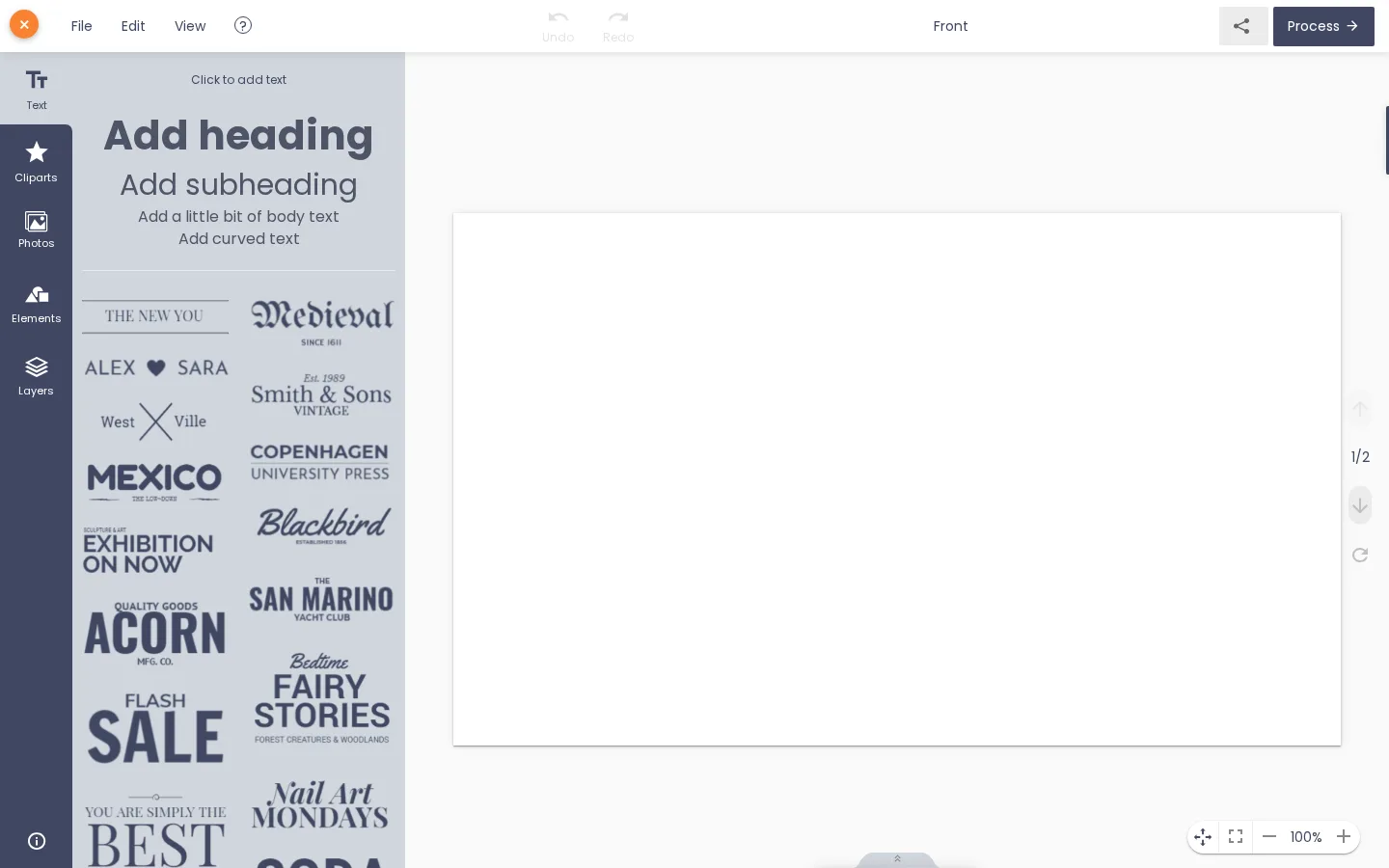
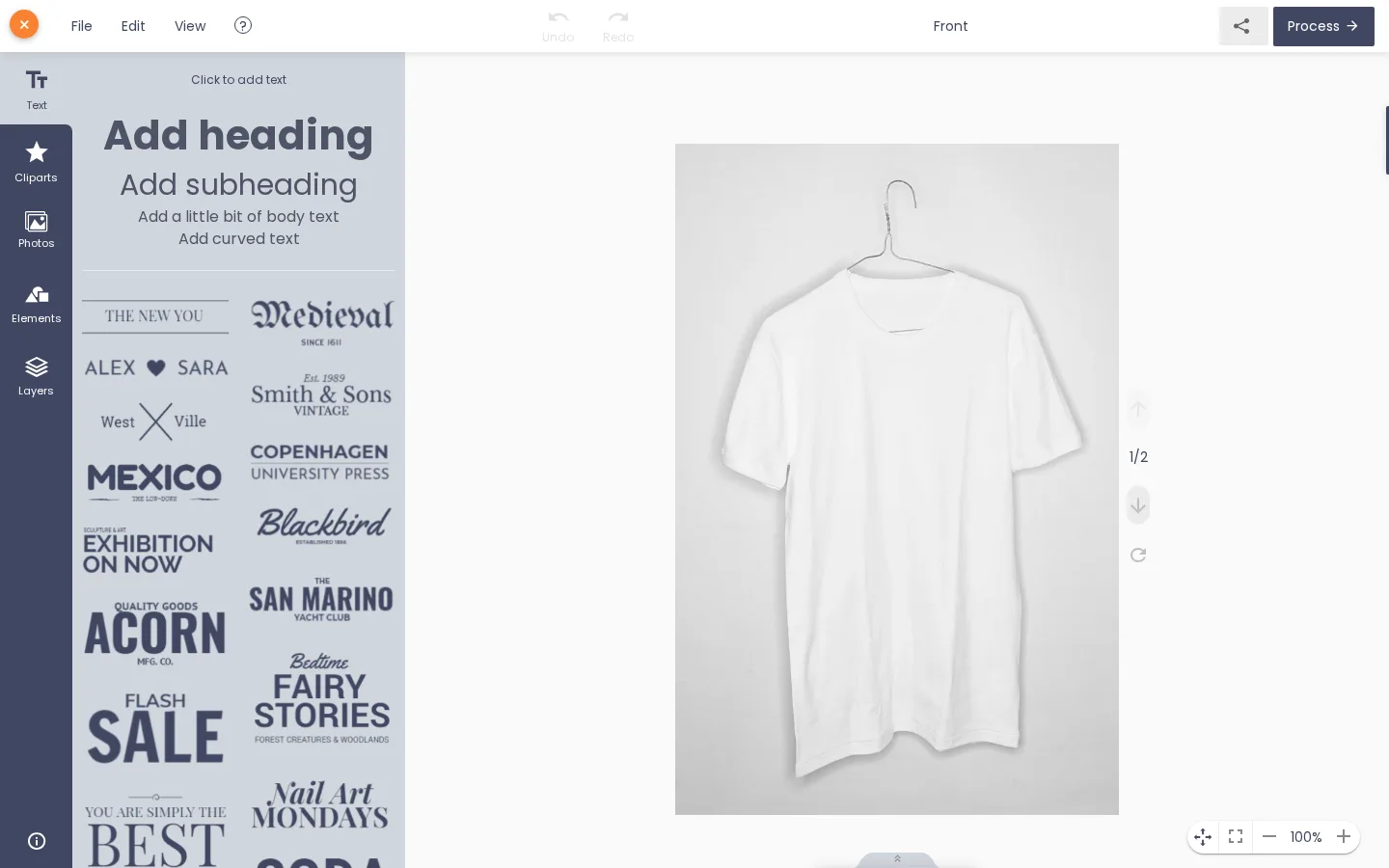
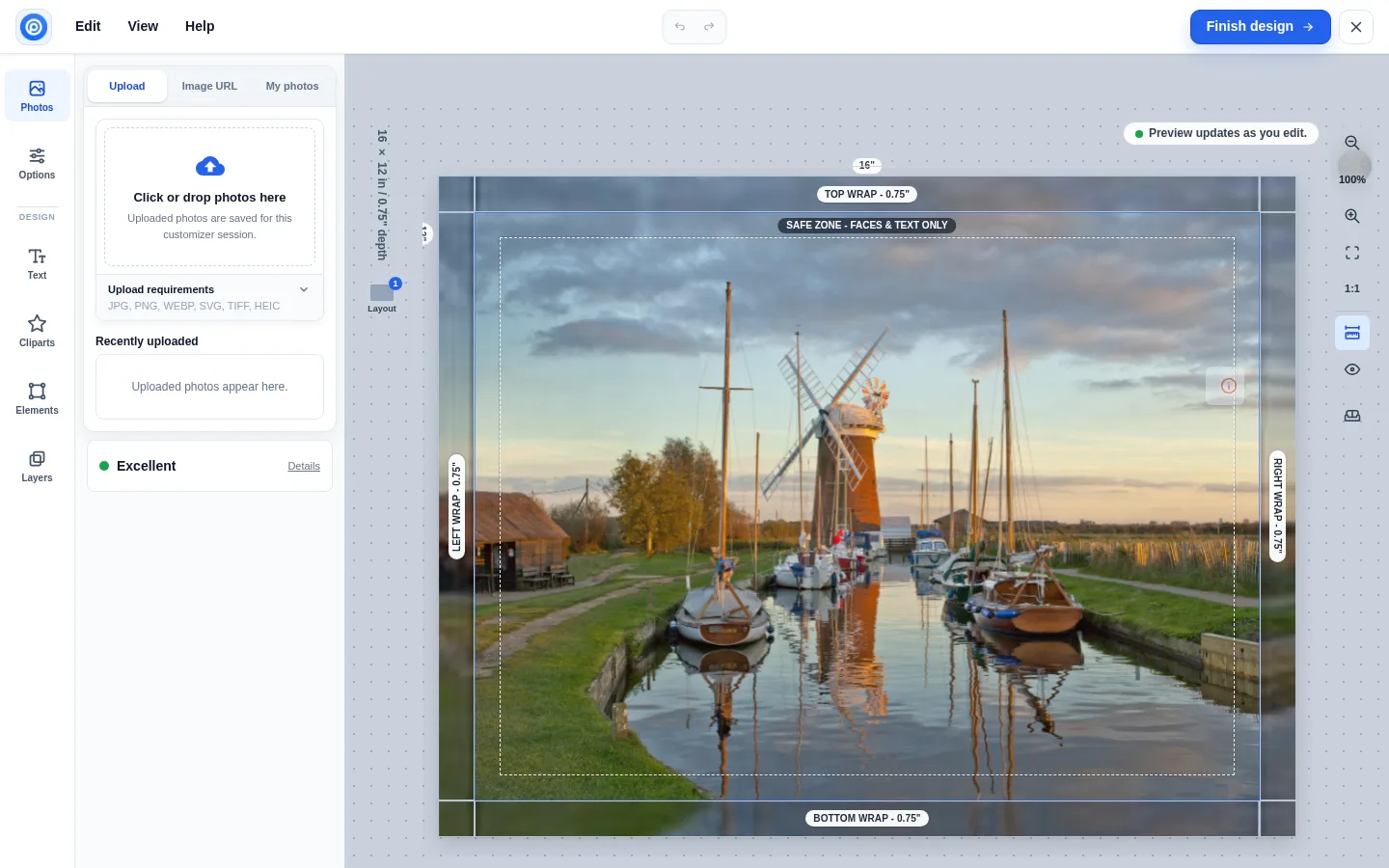
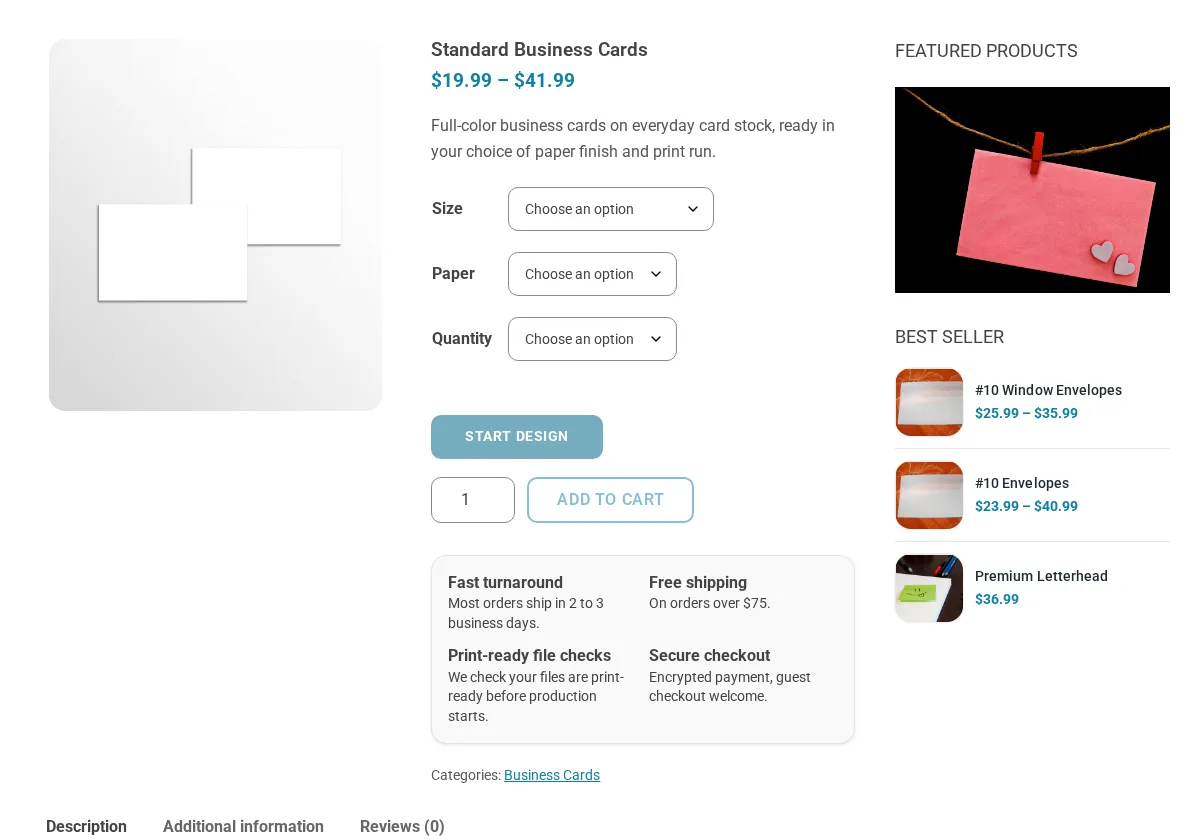
Screenshots of the Printcart demo stores. Demo products and prices are sample content.
Stores that include it
27 sample print products in 9 categories, priced by size, paper and quantity.

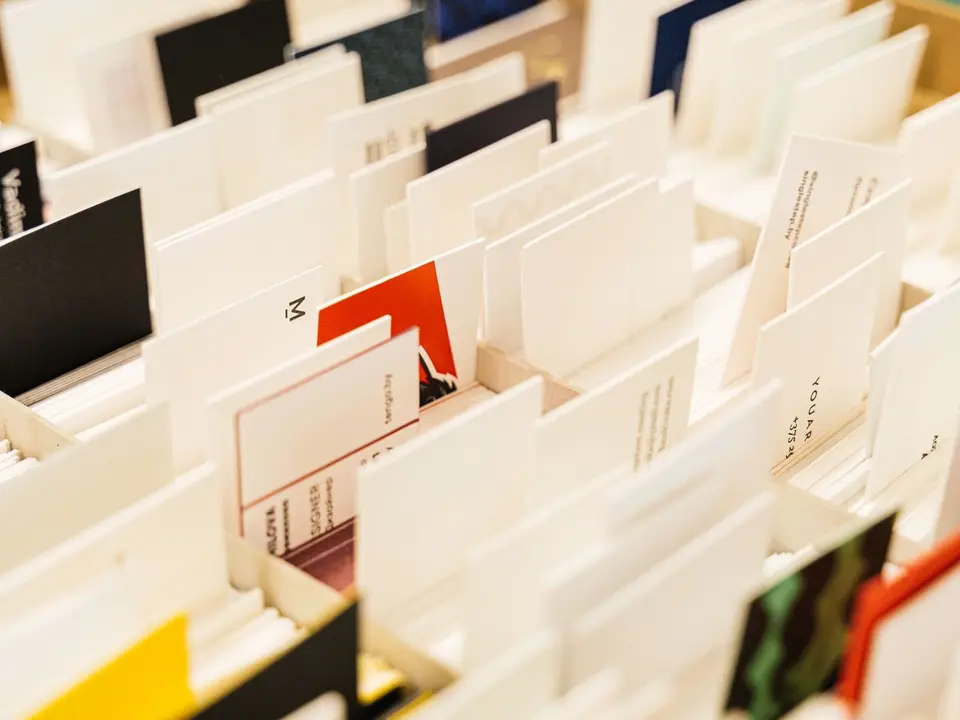
Five sample business cards with size, paper and quantity pricing and the Printcart designer.

60 sample apparel products in 10 categories with size and colour variations.

Photo canvases priced by width and height, four edge styles and a wall preview.

In build
Company accounts, contract prices, B2B quotes and purchase orders on terms; in build.
 WordPress / WooCommerceQuote on request
In build
A multi-vendor print store where several print providers and designers sell through one storefront, each with a store of its own.
Packages
What each full store package includes for this feature. Prices are per year; the Printcart licence is included.
| Feature | StoreUSD 799 / year | Store B2BUSD 1,814 / year | Store MarketplaceUSD 3,614 / year | EnterpriseBy quote |
|---|---|---|---|---|
| Printcart designer on the product pageCustomers design online or upload their own artwork from a "Start design" button. | ||||
| Products with the designer liveHow many products can show the online designer on your store at once. | 100 | 1,000 | 1,000 | No limit |
Learn more on www.printcart.com
FAQ
Yes. A "Start design" button on the product page lets customers design online or upload their own artwork. On the business card store they start a design in the Printcart designer or upload their own file, then choose the paper and quantity, and the design or the uploaded file travels with the order to your team.
It depends on the package: how many products can show the online designer on your store at once is 100 on Store, 1,000 on Store B2B and Store Marketplace, and no limit on Enterprise. You switch the designer on per product, and you can connect as many products as you sell.
No. The web-to-print product designer runs on the product page through the Printcart plugin, with no theme code to wire. Our team installs the store on your own WordPress host, which needs WordPress 6.7 or later, PHP 8.0 or later and WooCommerce; hosting is not part of the package.
Insight
 Guides
An online product designer is a browser editor on a store's product page where customers personalise a print product with text, photos, cliparts or a template inside the printable area and see a live preview. The saved design travels with the order and becomes a print-ready file. Every Printcart full store includes one.
 Huy Nguyen (David)7 min read
 Guides
A product designer feature checklist lists what to test in the online designer of a print store before launch: print areas, templates, text and photo tools, previews, prices and the print-ready file. This 25-point version gives each check a reason, a test and a pass mark, and shows which Printcart full store package covers it.
Huy Nguyen (David)5 min read
 Guides
Designing on the product detail page means the shopper personalises a product without leaving its page: they pick the options, open the Printcart designer or a short text and logo form, see a live preview, and add to cart. The design then travels with the order, so the print team receives exactly what was approved.
Huy Nguyen (David)8 min read
 Guides
A custom T-shirt product page sells when the shopper can choose size and colour, design or upload artwork on the same page, check a preview and add to cart. The Printcart plugin syncs each choice, such as design area, text and uploaded photo, to the WooCommerce order, so admins see exactly what the customer ordered.
Huy Nguyen (David)5 min read
 Comparisons
Printcart, Fancy Product Designer, Lumise and Zakeke all add a product designer with customer upload to WooCommerce; they differ most on billing and future support. Zakeke is a subscription with a per-sale fee, Lumise sells annual or lifetime licences, Printcart lists a Free plan, and Fancy Product Designer's maker has moved development and support to Chamevo. Checked 2026-10-20.
Huy Nguyen (David)6 min read
 Industry
Printcart adds a live, white-labeled product designer to a Shopify T-shirt store, with front, back and sleeve design zones, custom fonts and clipart, resolution checks, tiered and quote-based pricing, and centralized design files. A store owner can install the Printcart Product Personalizer app on an existing store or start from Printcart's ready-made Shopify T-shirt store.
Huy Nguyen (David)7 min read
Talk to our CEO, Huy Nguyen (David), or the sales team. Every service comes with a written scope and quote.