
Print shop · WordPress / WooCommerce
WordPress print shop store
The WordPress print shop store is a complete WooCommerce website for a commercial print shop, with the Printcart web-to-print designer on the product page. It comes with 27 sample print products in 9 categories, from business cards to banners, priced by size, paper and quantity, and costs USD 799 a year.
Updated · By Huy Nguyen (David), CEO of Printcart
Built for
- Commercial print shops
- Business cards and stationery
- Flyers, posters and banners
USD 799 / year · Printcart licence included
- WordPress / WooCommerce
- Delivered remotely
- Contract with Netbase JSC


- Platform
- WordPress + WooCommerce
- Sample catalog
- 27 products · 9 categories
- Variations
- 129 size, paper and quantity
- Designer
- Printcart designer
- Set-up
- 10 of your products
Features
What the store does
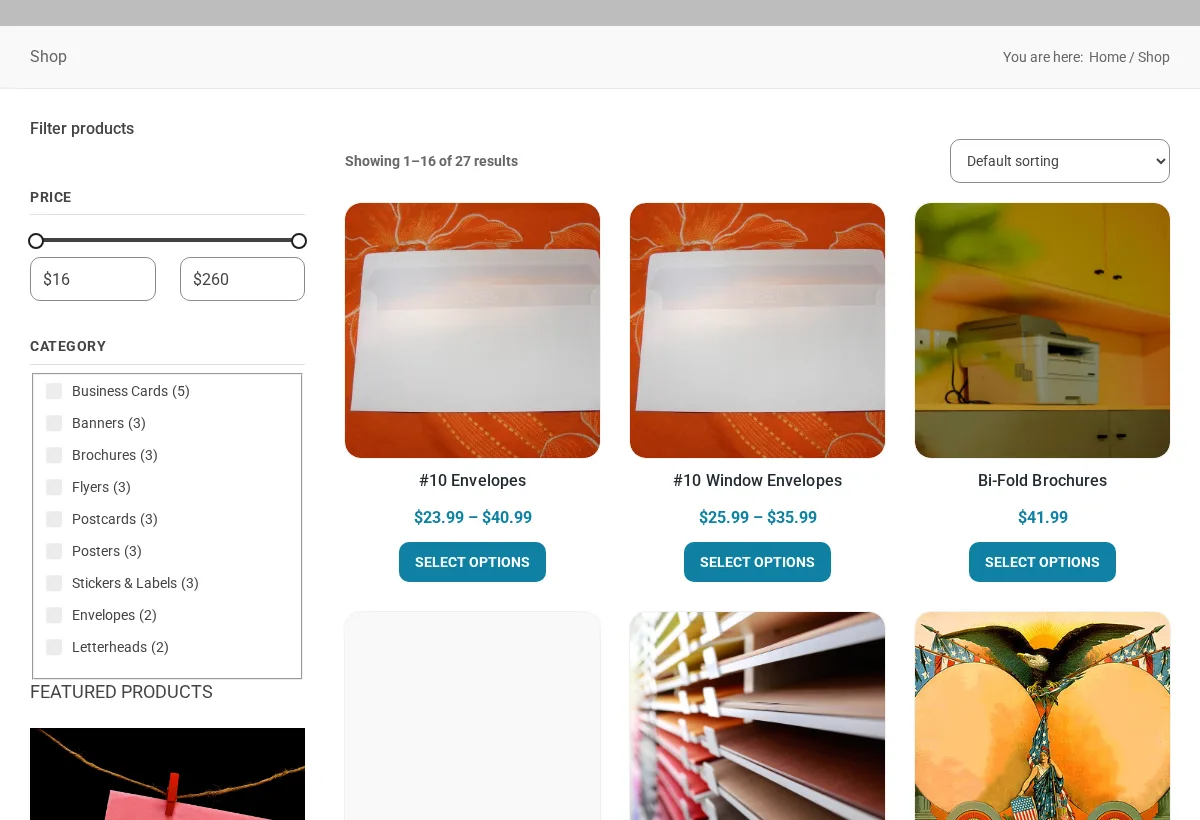
Storefront
- Block-based (full site editing) WooCommerce theme: shop, product, cart, checkout and my-account pages.
- Home sections and a shop sidebar with price and category filters, set up for business cards and stationery.
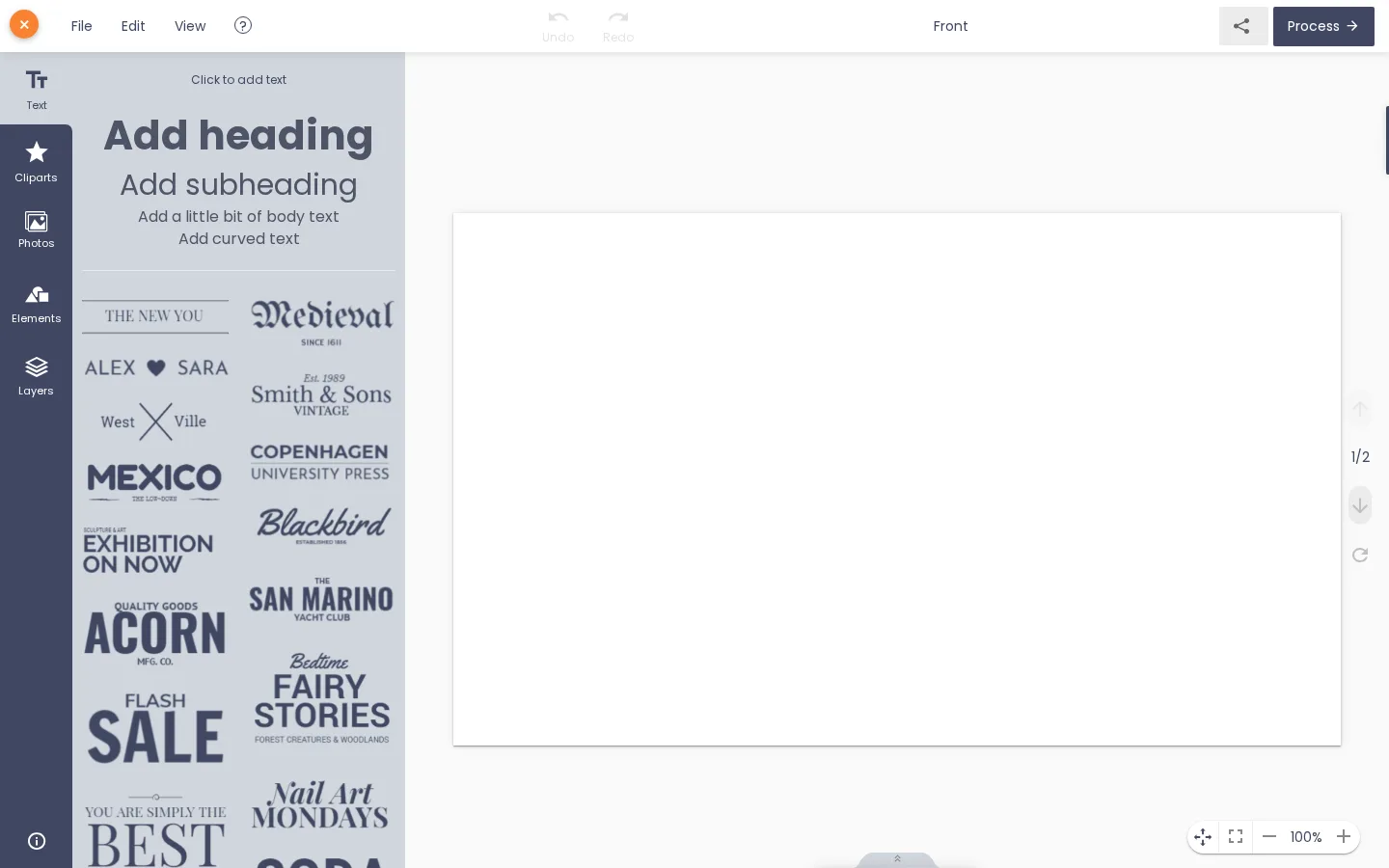
Product designer
How it works in the store: Online product designer
- Web-to-print product designer on the product page through the Printcart plugin.
- A "Start design" button on the product page, so customers can design online or upload their own artwork.
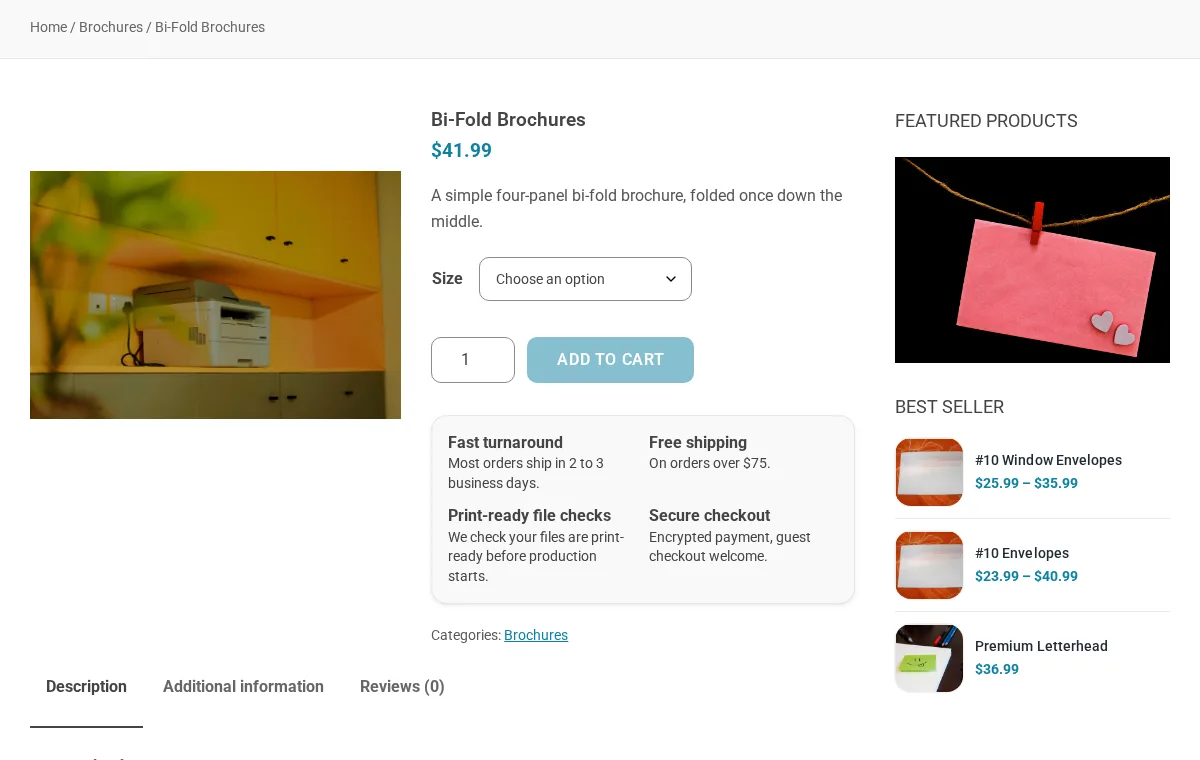
Ordering and pricing
How it works in the store: Printing options & prices
- WooCommerce variations by size, paper and quantity, each with its own price: 129 variations in the sample catalog.
Catalog and set-up
- Content pack that creates 9 product categories, 27 products and 129 paper, size and quantity variations, the information pages and the header and footer menus.
- Set-up screen that installs a recommended stack of free plugins for SEO, checkout, search, wishlist, currency and language.


Runs on the Printcart Store - Web to Print Product Designer for WooCommerce. Printcart plugins and apps on their own are sold on www.printcart.com; this page is about the complete store.
How an order works
From the product page to the print file
Browse
Your customer: Browses 9 categories, from business cards to banners, with price and category filters.
Choose options
Your customer: Picks size, paper and quantity; each combination has its own price.
Your team: You set a price for each combination in WooCommerce.
Design or upload
Your customer: Starts a design in the Printcart designer or uploads their own artwork.
Gallery
Inside the WordPress print shop store
Screenshots of the Printcart demo store, at desktop and phone width.
Shop page of the Printcart print shop demo store: price and category filters and a grid of print products with prices 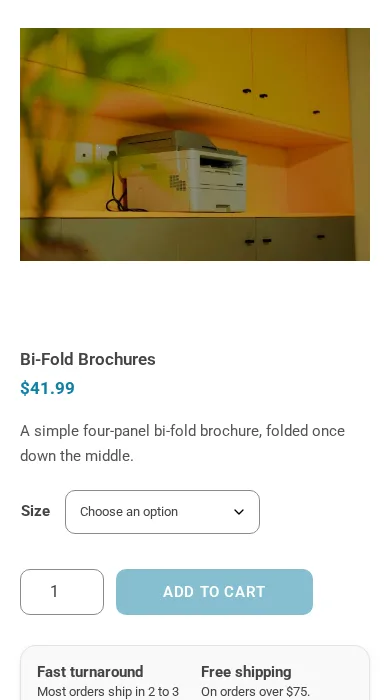
The bi-fold brochure product page of the print shop demo store on a phone screen Bi-fold brochure product page in the print shop demo store, with a size option, price and add to cart button 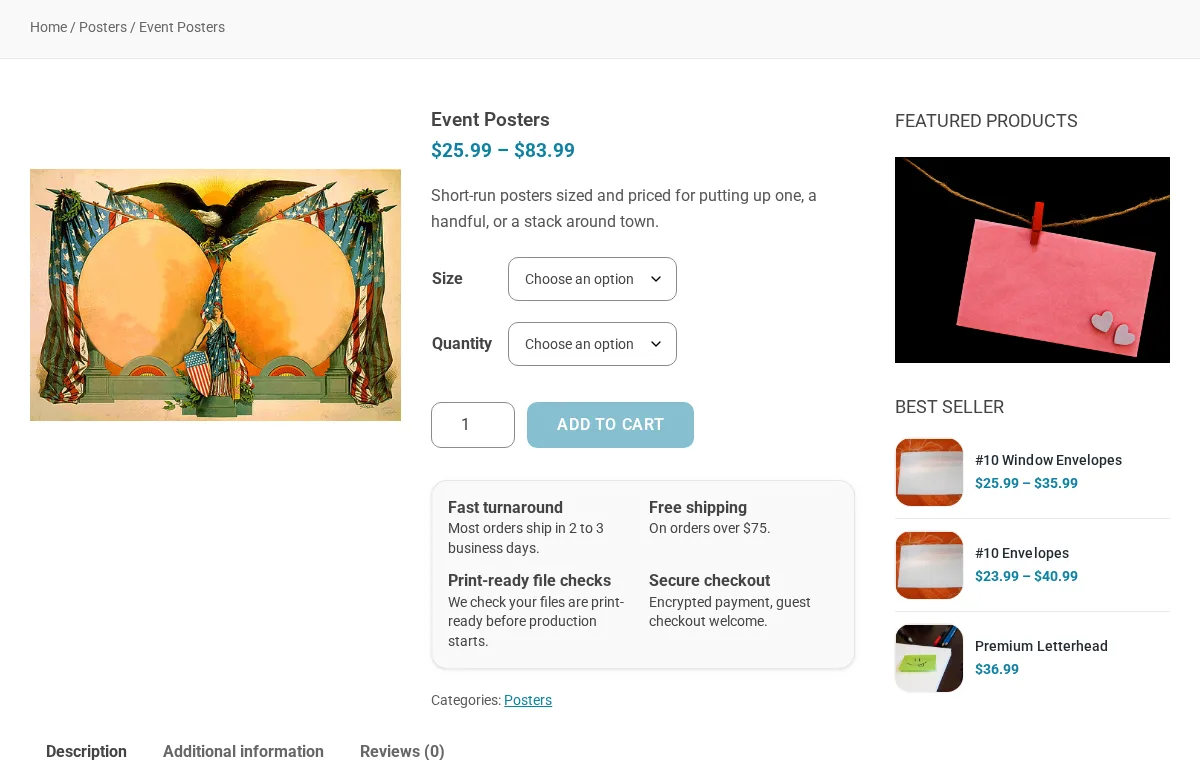
Event posters product page in the print shop demo store, with size and quantity options and a price range 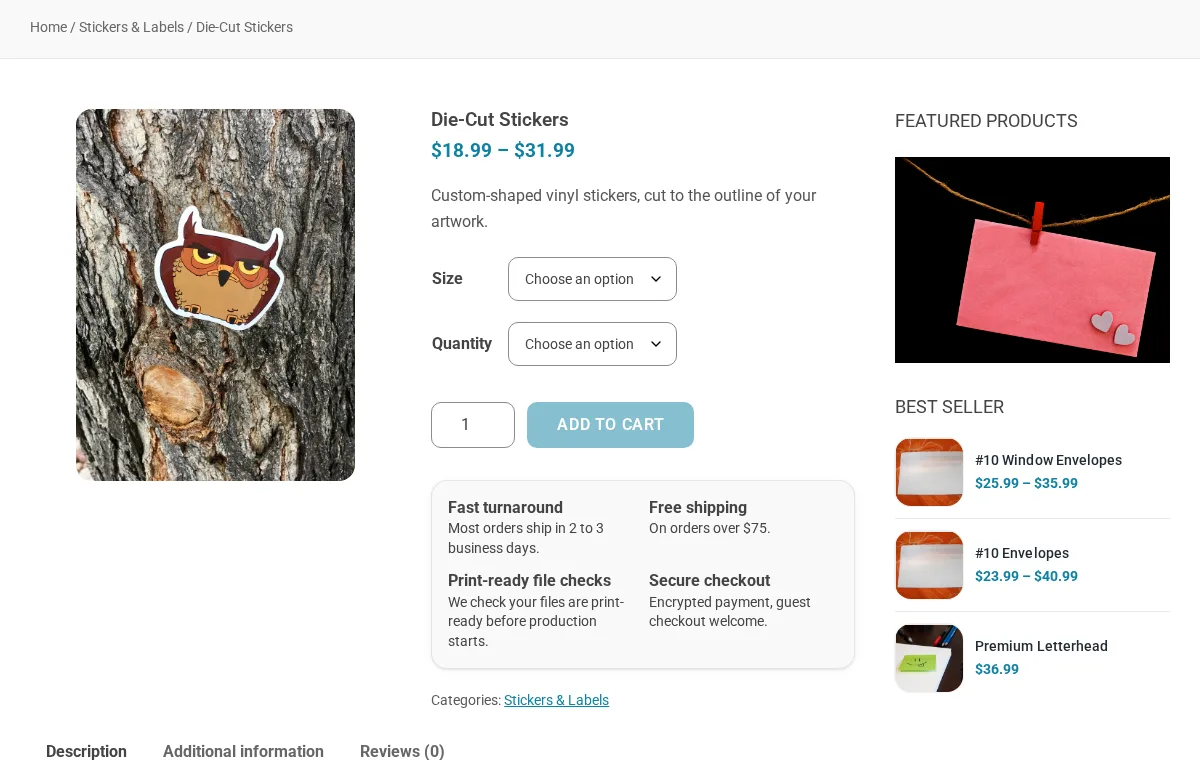
Die-cut stickers product page in the print shop demo store, with size and quantity options The Printcart designer opened from the standard business cards page of the print shop demo store, with text presets and a blank card front
What is included
Everything you need to open the store
The storefront
A WordPress block theme (printcart-store-print-shop on the printcart-stores parent theme) with home, shop, product, cart, checkout and account pages.
Product designer
The Printcart designer opens from a "Start design" button on the product page, so customers can design online or upload their own artwork.
Product options and pricing
WooCommerce variations by size, paper and quantity, each with its own price: 129 variations in the sample catalog.
Sample catalog
Business cards, flyers, brochures, postcards, posters, stickers and labels, banners, letterheads and envelopes, plus About, Contact, FAQ and Shipping pages.
The Printcart plugin
Runs on the Printcart WordPress plugin (printcart-integration 2.13.2 or later); the Premium licence is included in the package.
Package and price
The Store package
- The WordPress print shop store, with store updates
- Printcart Premium licence (annual)
- 10 of your products set up by our team (first year)
- One main domain plus a staging site
Premium licence included
Store package
USD 799 / year
Annual only. No monthly plan for full stores.
Payment by PayPal to Netbase JSC. Fees are not refundable.
Scope
What the package covers, and what it does not
Included in the package
- The storefront
- Product designer
- Product options and pricing
- Sample catalog
- The Printcart plugin
Not included
- Hosting: the store runs on your own WordPress host
- Products beyond the 10 set up in the first year (quoted)
- Custom design, development and integration (quoted)
Services, quoted separately
- Full store demo installationWe install the store and its sample content on your host.
- Print shop website designA design for your print shop on top of the store.
- Setup and launch servicesProduct import, price matrices and training.
- All servicesSetup, migration, integration, development, design, AI and support.
After you order
From order to handover
Order
Choose a package and send us your order, or ask us first on WhatsApp.
We contact you
We contact you within 1 business day.
Set-up
Our team sets up your products and your domain.
Handover
Your store is handed over within 7 business days after we have your products and information.
Platform
Requirements and tech stack
- Platform
- WordPress with WooCommerce
- WordPress
- 6.7 or later
- PHP
- 8.0 or later
- Hosting
- Your own WordPress host that lets you install plugins
- Printcart plugin
- printcart-integration 2.13.2 or later (free on wordpress.org; Premium licence included)
Who builds it
The team behind your project
The roles you work with, how every project runs and the tools we build on.

Huy Nguyen (David)
CEO
Your first contact: agrees the scope, the package and the contract with Netbase JSC.
- Web-to-print
- Store set-up
- Customer success

Solutions Architect
Turns your store and print workflow into a technical plan: integrations, data and print-ready files.
- Web-to-print
- Integrations & API
- Data migration
- Print-ready PDF

Web-to-print Developer
Sets up the product designer, the print options and the pricing rules of your store.
- Web-to-print
- Product designer tool
- Pricing & options

Project Manager
Plans your milestones, coordinates set-up and launch, and answers your project tickets.
- Project management
- Store set-up
- Customer success


How every project runs
Step 1: Request
Start from a quote request or a package on the pricing page.
Step 2: Scoping
We review your products, workflow and store with you and agree the scope.
Step 3: Proposal & estimate
A written scope and price before work starts.
Step 4: Kick-off
Your project is opened in our project tool with a set-up milestone.
Step 5: Milestones
Build, review and launch, approved one phase at a time.
Step 6: Support & updates
Tickets and store updates after launch while your package is active.
The stack we deliver with
- WooCommerce
- WordPress
- Shopify
- Wix
- Laravel
- PHP
- AWS
- PayPal
Product names and logos belong to their owners and show the tools we work with, not partnerships.
Client storefronts
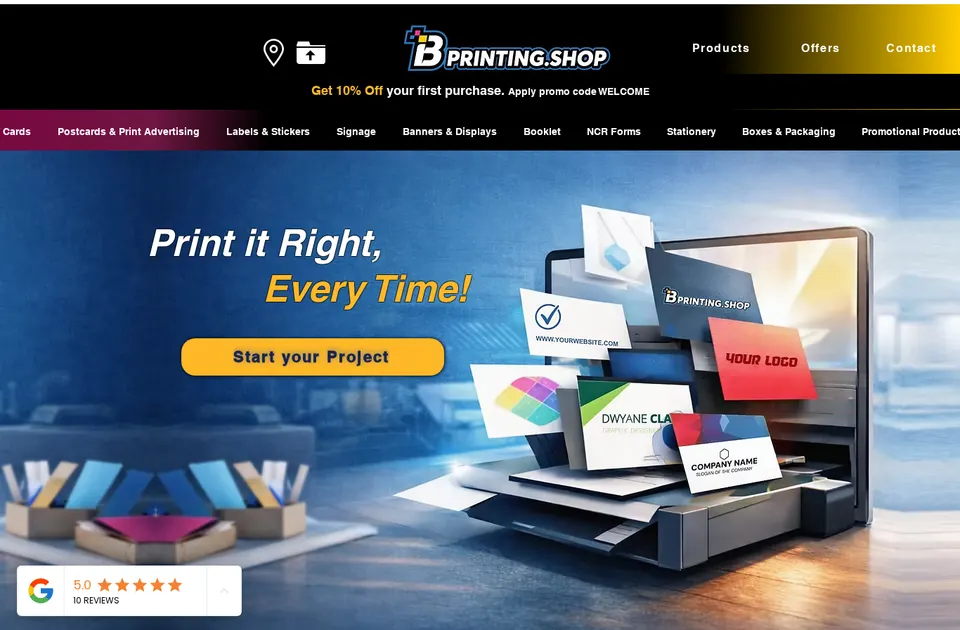
Client store
B Printing
bprinting.shop
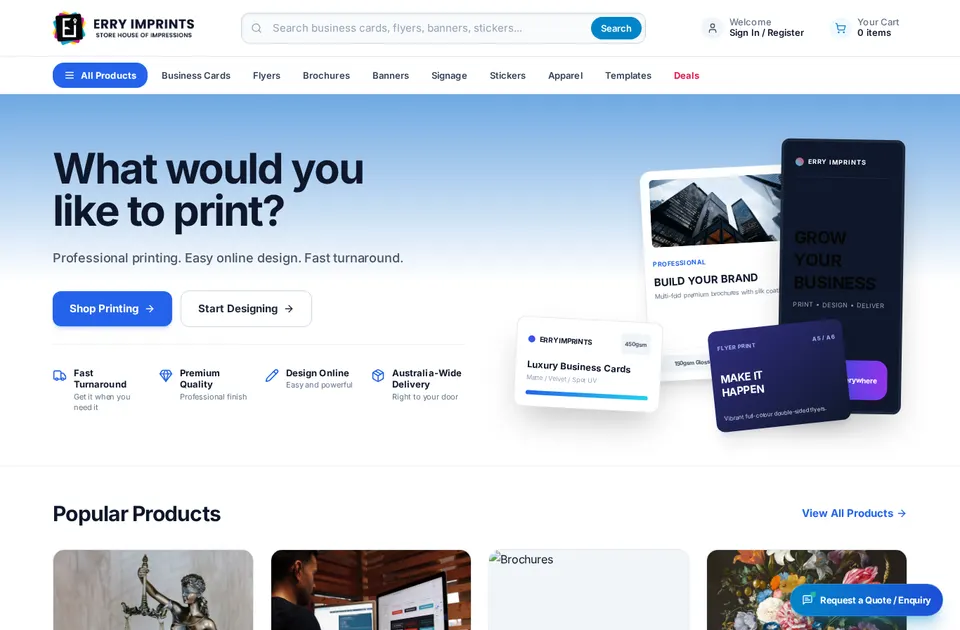
Client store · Australia
Erry Imprints
erryimprints.com.au
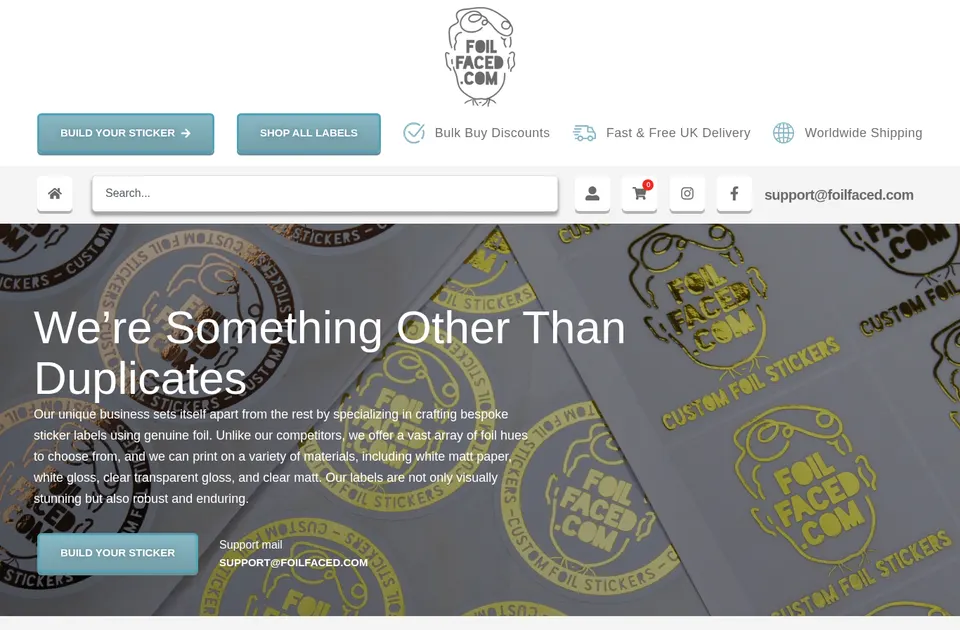
Client store
FoilFaced
foilfaced.com


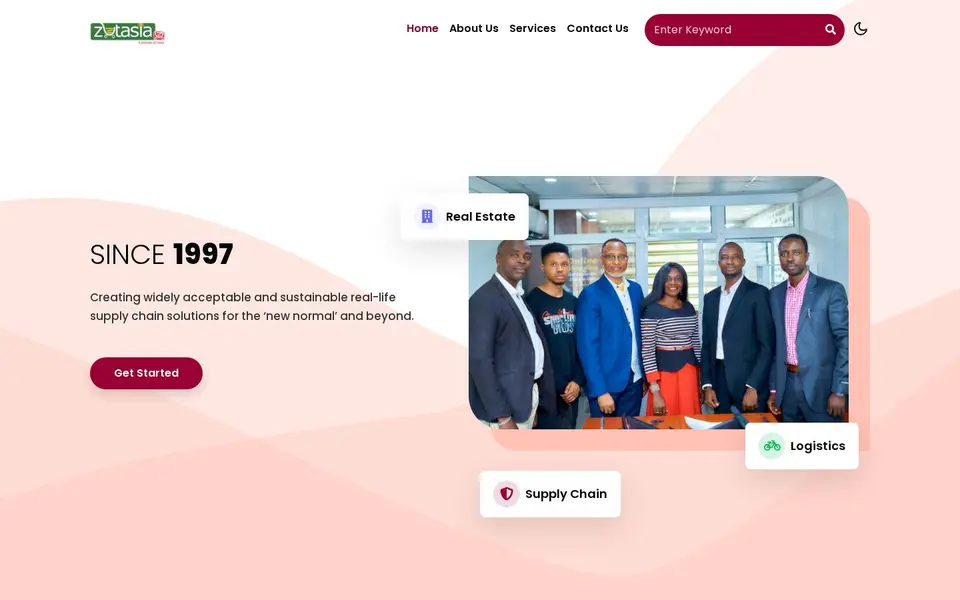
Print shops going online
Transforming the Ordering Experience for Print Services Businesses
Read the project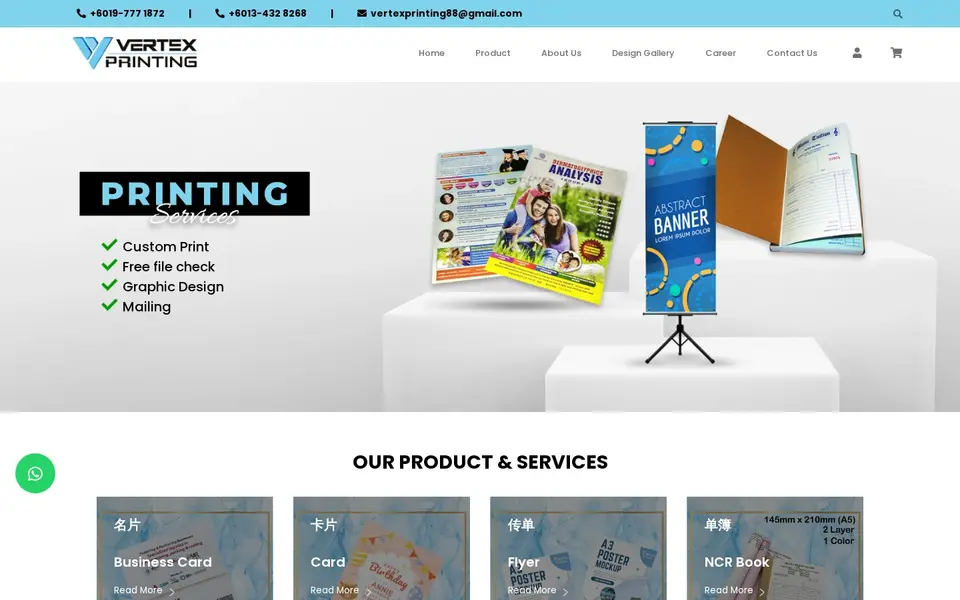
Print shops going online
Enhancing Online Print Ordering and User Experience for Custom Printing Solutions
Read the project
Print shops going online
Transforming Online Ordering Systems for a Leading Printing Business
Read the project


What merchants say about Printcart
Amazing customer service and really versatile app that is helping our customers customize our products - and it's super easy to set-up!
Fabricis, South Korea · Review of Printcart Product Personalizer on Shopify App Store Great products, fast loading, clean interface, user friendly and excellent customer support that is always there to address and resolve any customer's concern or problems. They are committed to constantly updating the app and making it better.
Rogatee Lip Essentials, United States · Review of Printcart Product Personalizer on Shopify App Store
FAQ
Questions about the WordPress print shop store
Can I sell my own print products and prices?
Yes. The 27 sample products are a starting point: you edit or replace them and set a price for each size, paper and quantity combination in WooCommerce. Ten of your products are set up by our team as part of the package.
Do I need my own hosting?
Yes. The store runs on your own WordPress host with WooCommerce, WordPress 6.7 or later and PHP 8.0 or later. Our team installs the store there for you, and hosting is not part of the package. Any host that lets you install plugins works, and Printcart does not lock your store to a host of ours.
How do I grow an online printing business?
Build a network through events and online communities, look after your customers, post regularly on social media, run targeted promotions and keep improving your services from competitor research and customer feedback. Our article Tips to succeed in an online printing business explains each of these habits.
What does the WordPress print shop store cost?
USD 799 a year, the Store package, licence fee included. It includes the store, the Printcart Premium licence for the year, store updates and 10 of your products set up by our team. Full stores are sold per year only; Store B2B (USD 1,814 a year), Store Marketplace (USD 3,614 a year) and Enterprise (by quote) add B2B flows, a marketplace and more set-ups.
What happens if I do not renew?
The Printcart licence falls back to the Free plan and the store keeps running with the Free plan limits. Printcart does not lock your store. One licence covers one main domain plus a staging site, and renewal each year is the same yearly price.
Can you work with a merchant in my country?
Yes. Printcart services are delivered remotely, so we work with merchants in any country. Netbase JSC, the company behind Printcart, has worked with clients in 80+ countries.
Do you support my industry?
Printcart services are not tied to one industry. Full stores, custom development, integration and support are delivered remotely; tell us what you sell and we will say plainly whether Printcart fits.
How do I pay for Printcart services?
You sign the contract with and pay the company, Netbase JSC. Store, Store B2B and Store Marketplace are paid online by PayPal. Enterprise is invoiced: bank transfer to the company account or PayPal.
Who do I talk to?
Talk to our CEO, Huy Nguyen (David), on WhatsApp at https://wa.me/84937869689 or by email at sales@printcart.com.
Explore
Explore other stores












Working with Printcart
Remote delivery, one company contract
Printcart is a brand of Netbase JSC. Every Printcart service, from full web-to-print stores and custom development to integration and ongoing support, is delivered remotely, so a merchant in any country and any industry can work with us. Netbase has worked with clients in 80+ countries. Contracts and payments are made with the company, Netbase JSC. Store, Store B2B and Store Marketplace are paid online by PayPal. Enterprise is invoiced: bank transfer to the company account or PayPal. To discuss a project, contact our CEO, Huy Nguyen (David), on WhatsApp at https://wa.me/84937869689 or by email at sales@printcart.com.
See it running, then order
Talk to our CEO, Huy Nguyen (David), or the sales team. Every service comes with a written scope and quote.

