

Product Personalization
Product Personalizer Template Creation Service
We create professional, print-ready templates tailored to your products and audience. With our service, your customers can customize faster, avoid mistakes, and enjoy a seamless design experience that drives more sales.
Updated · By Huy Nguyen (David), CEO of Printcart
From $79 · fixed price
Written scope and price in your Helpdesk ticket. No payment now.
Delivered remotely · Worldwide

We create professional, print-ready templates tailored to your products and audience. With our service, your customers can customize faster, avoid mistakes, and enjoy a seamless design experience that drives more sales. Pricing starts at $79, confirmed in a written scope.
Product Personalizer Template Creation Service helps POD brands, local printers, gift stores, and ecommerce teams turn selected products into customer-editable design workflows. Printcart prepares template structure, print areas, text and image controls, clipart and font rules, upload guidance, preview behavior, and production file expectations for products such as apparel, mugs, labels, cards, photo items, and personalized gifts. This service is useful when the product already exists but the editable experience still feels risky, confusing, or too manual for repeat orders. The goal is not to replace production review; it is to give customers a clearer way to personalize products and give the fulfillment team cleaner design data to inspect, approve, and produce where the workflow supports it.
Ways to work with us
Which path fits you
Full store package
A ready-built store, including the Printcart license, billed yearly.
Set up your projectWho this service is for
This service is for teams selling products that need customer input before production. That can include a POD seller offering personalized shirts, a printer selling business cards and labels, a gift store preparing holiday templates, a photo product seller adding names and dates, or an ecommerce team that wants customers to upload artwork before checkout. It is also useful for stores that have products live already but receive too many emails asking where to place text, what image size to upload, or how the final design will look.
The problem it solves
Product setup and product designer setup are different tasks. A product can have a title, price, image, and variant choices, yet still lack a usable personalization workflow. Customers need to know what they can edit. The store needs guardrails for text, image uploads, print areas, and preview behavior. Production needs design output that can be reviewed against real size, placement, and file requirements. Without those pieces, the team may spend time correcting spelling, moving artwork, requesting higher-resolution files, or explaining the same personalization steps after every order. Printcart helps convert product intent into a clearer design workflow.
What customers can edit
- Text fields such as names, dates, team names, company names, messages, or product-specific labels.
- Image areas for logos, photos, artwork uploads, or design elements selected from approved assets.
- Template choices such as layout, color accents, clipart, or design variations where the product supports them.
- Personalization options that connect to order data, such as size, side, material, or print location.
What production receives
The production side should receive a more organized view of the customer design, selected options, and required review points. Depending on the store configuration, that may include preview output, production files, customer notes, and structured product choices. Printcart keeps the claim cautious: the setup can support a print-ready workflow, but artwork quality, color handling, material constraints, and unusual customer uploads may still need human or production review before fulfillment.
Workflow impact for custom products
A better personalizer setup helps customers complete the design without leaving the product page to ask basic questions. It also helps support staff answer with consistent rules instead of improvising. Designers and production operators can see which parts of the template were meant to move and which parts should remain locked. For managers, the biggest benefit is repeatability. Once the team agrees on how a product type should be configured, new products can follow the same pattern with fewer one-off decisions.
Client inputs needed
Prepare product dimensions, printable areas, safe area notes, sample artwork, template references, fonts, brand assets, clipart collections, product categories, priority products, and examples of customer personalization requests. If you already have reprint issues, include the order examples and explain what failed, such as low-resolution uploads, text outside the safe area, wrong side selection, or unclear preview approval.
How it runs
Process & timeline
- 1
Discovery
We assess your brand identity, product range, and template needs.
- 2
Planning
Our team outlines template types, categories, and design goals.
- 3
Creation
We build professional, print-ready templates tailored to your products.
- 4
Review & Training
Walkthrough session via Google Meet/Zoom to train your staff on using and editing templates.
- 5
Delivery & Support
Templates are delivered, applied to your store, and supported with daily live chat for smooth adoption.
Estimate, confirmed in your written scope.
Pricing
Packages
Custom quote
Confirmed after scoping
Everything in Fixed, plus anything outside the standard scope.
Get a custom quoteRemote delivery
Work with Printcart from anywhere
Printcart is a brand of Netbase JSC. Every Printcart service, from full web-to-print stores and custom development to integration and ongoing support, is delivered remotely, so a merchant in any country and any industry can work with us. Netbase has worked with clients in 80+ countries. Contracts and payments are made with the company, Netbase JSC. Payment is by bank transfer to the company account or by PayPal. To discuss a project, contact our CEO, Huy Nguyen (David), on WhatsApp at https://wa.me/84937869689 or by email at sales@printcart.com.
What merchants say about working with Printcart
Amazing customer service and really versatile app that is helping our customers customize our products - and it's super easy to set-up!
Great products, fast loading, clean interface, user friendly and excellent customer support that is always there to address and resolve any customer's concern or problems. They are committed to constantly updating the app and making it better.
Best Customer Support Ever
I have not optimize my site yet and did not publish any products yet. But as for the ease of use in designing the product and managing store it just great. I had some questiosn about setup and looked for some suggestions to add to my store. Talked with two representatives and they were impressed me. I felt that they card and gave full attention even if i not a big seller.
Real numbers, real proof
Why merchants trust Printcart
- 2012
- Operating since
- 500+
- Custom web-to-print projects
- 80+
- Countries served
- 300+
- Repeat clients
Netbase JSC, Hanoi
Netbase JSC
Netbase JSC clients
with 2+ projects
A Netbase JSC company · as of 2026-10-12
Clients
Client storefronts
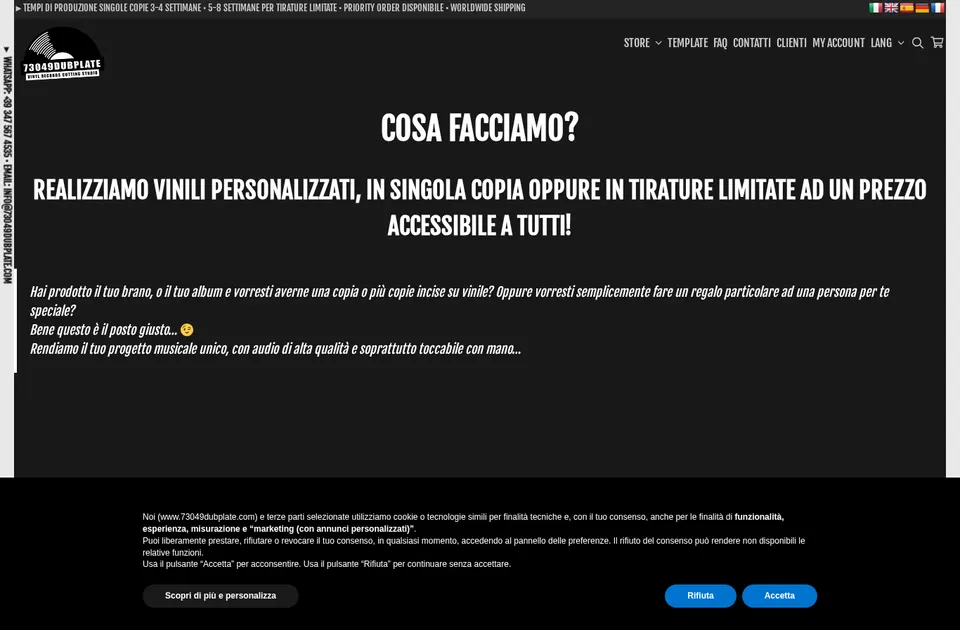
Client store
73049 Dubplate
73049dubplate.com
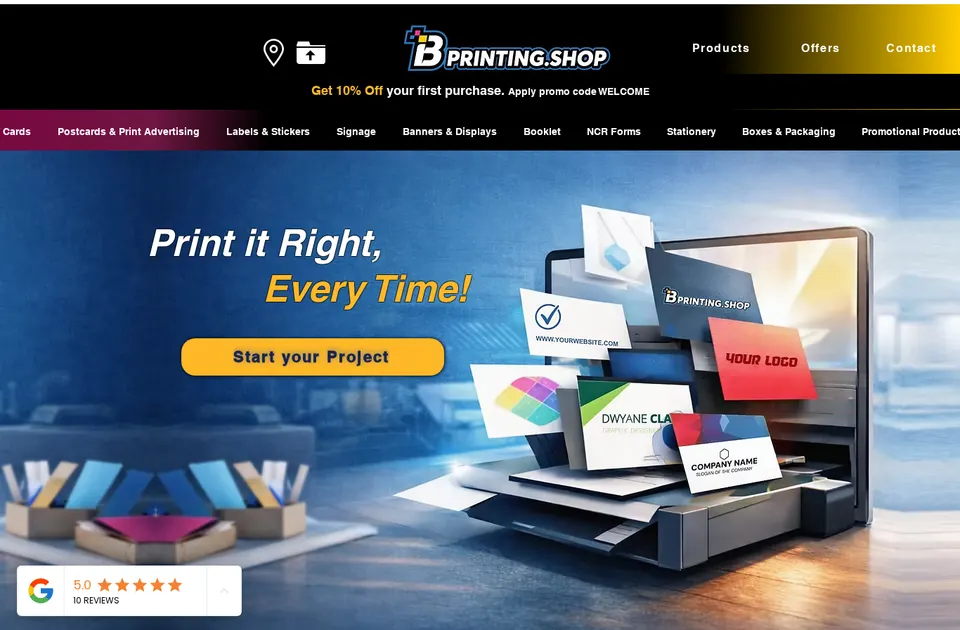
Client store
B Printing
bprinting.shop
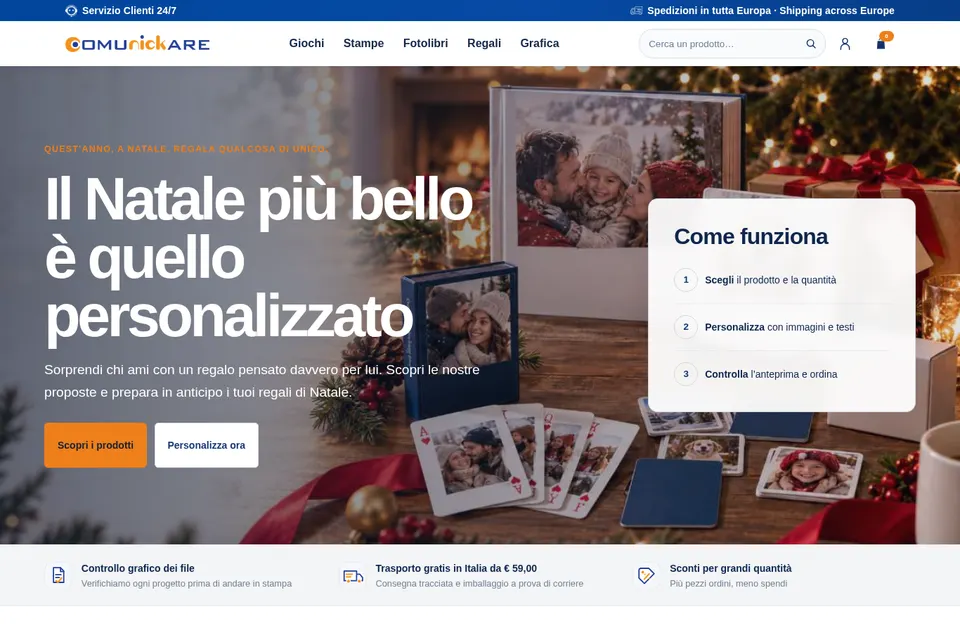
Client store
Comunickare
comunickare.com


Team
The team behind your project
The roles you work with, how every project runs and the tools we build on.

Huy Nguyen (David)
CEO
Your first contact: agrees the scope, the package and the contract with Netbase JSC.
- Web-to-print
- Store set-up
- Customer success

Solutions Architect
Turns your store and print workflow into a technical plan: integrations, data and print-ready files.
- Web-to-print
- Integrations & API
- Data migration
- Print-ready PDF

Web-to-print Developer
Sets up the product designer, the print options and the pricing rules of your store.
- Web-to-print
- Product designer tool
- Pricing & options

Project Manager
Plans your milestones, coordinates set-up and launch, and answers your project tickets.
- Project management
- Store set-up
- Customer success


How every project runs
Step 1: Request
Start from a quote request or a package on the pricing page.
Step 2: Scoping
We review your products, workflow and store with you and agree the scope.
Step 3: Proposal & estimate
A written scope and price before work starts.
Step 4: Kick-off
Your project is opened in our project tool with a set-up milestone.
Step 5: Milestones
Build, review and launch, approved one phase at a time.
Step 6: Support & updates
Tickets and store updates after launch while your package is active.
The stack we deliver with
- WooCommerce
- WordPress
- Shopify
- Wix
- Laravel
- PHP
- AWS
- PayPal
Product names and logos belong to their owners and show the tools we work with, not partnerships.
Questions
FAQ
Do we need finished artwork before starting?
You should provide product dimensions, print areas, brand assets, and representative artwork. Final artwork for every future product is not required, but the first templates need enough detail for Printcart to configure realistic controls and review output.
Can customers upload any file they want?
The store can provide upload guidance and rules, but not every customer file will be suitable for production. Low-resolution images, poor crops, unsupported formats, or unusual artwork may still require review or a corrected file.
Is this the same as adding variants and prices?
No. Variants and prices define what the customer buys. Product personalizer setup defines how the customer edits the design and what production receives for review and fulfillment.
Can we start with a small product group?
Yes. Many teams start with the highest-priority products, test the customer edit flow, and then extend the pattern to related products after the workflow is proven.
Can you work with a merchant in my country?
Yes. Printcart services are delivered remotely, so we work with merchants in any country. Netbase JSC, the company behind Printcart, has worked with clients in 80+ countries.
Do you support my industry?
Printcart services are not tied to one industry. Full stores, custom development, integration and support are delivered remotely; tell us what you sell and we will say plainly whether Printcart fits.
How do I pay for Printcart services?
You sign the contract with and pay the company, Netbase JSC. Payment is by bank transfer to the company account or by PayPal.
Who do I talk to?
Talk to our CEO, Huy Nguyen (David), on WhatsApp at https://wa.me/84937869689 or by email at sales@printcart.com.
Terms
Terms summary
- Scope, price and timing are confirmed in writing in your ticket before work starts.
- Printcart will design and deliver custom product templates tailored for the Printcart Product Designer.
- Includes consultation, design setup, and staff training.
- Work outside agreed scope (e.g., new branding, third-party design systems) will require a separate agreement.
- Starter Pack: 3–5 business days
- Growth Pack: 7–10 business days
- Fees are not refundable.
Full terms
Terms of Service for the Custom Design Template Creation with Printcart Product Designer service.
I’ve kept it professional, client-focused, and in bullet list format for clarity.
Scope of Work
- Printcart will design and deliver custom product templates tailored for the Printcart Product Designer.
- Includes consultation, design setup, and staff training.
- Work outside agreed scope (e.g., new branding, third-party design systems) will require a separate agreement.
Delivery Timeline & Milestones
- Starter Pack: 3–5 business days
- Growth Pack: 7–10 business days
- Pro Pack: 10–14 business days
- Delays in client feedback or asset delivery may extend timelines.
Communication and Support
- All communication via the Printcart Ticket System and email.
- Scheduled training sessions through Google Meet or Zoom.
- Daily live chat with your assigned Account Manager during the support period.
Ecommerce Payment Terms
- Payment must be made in advance through the Printcart Payment Page.
- Accepted methods: Credit/Debit Card, PayPal, Bank Transfer.
- Work begins after payment confirmation.
Warranty and Bug Fixes
- Templates are tested for compatibility with the Printcart Online Designer.
- Any bugs or rendering errors related to our work will be fixed free of charge within 30 days.
- Issues caused by third-party plugins, hosting, or client changes are not covered.
Custom Development & Updates
- Requests for seasonal templates, multi-vendor packs, or automation features will be quoted separately.
- Maintenance fees may apply to keep templates compatible with future Printcart updates.
Client Responsibilities
- Provide timely access to the Printcart Dashboard.
- Share brand assets such as logos, fonts, and colors before design begins.
- Attend scheduled review meetings and approve drafts promptly.
Third-Party Licenses
- Client must supply or purchase any required fonts, stock images, or licensed content.
- Printcart is not responsible for license restrictions or external asset costs.
Change Requests & Scope Adjustments
- All change requests must be logged through the Printcart Ticket System.
- Additional costs and timeline adjustments may apply.
- Work will only proceed after written confirmation from both sides.
Keep exploring
Related services

Design & templates
Custom Icon Design for Web or Apps
A consistent set of custom icons for your storefront navigation, product designer UI, or app, matched to your brand style.
View service
Design & templates
Photo to Vector Illustration Service
Turn a photo, sketch, or draft into clean, print-ready vector artwork for your storefront or product designer.
View service
Design & templates
PSD File Customization
Layered PSD source files customized to your project brief, for storefront graphics, print templates, or marketing banners.
View service

From $79 · fixed price
Ready to get started?
Request a product personalizer setup review when your templates, print areas, upload rules, or preview flow need to become clearer before more personalized orders reach production.
Get a custom quote
