WordPress print shop store
27 sample print products in 9 categories, priced by size, paper and quantity.
Store feature
Customers upload print files on the product page of a Printcart full store: they design online or upload their own artwork, and the canvas store adds a print-quality check. You download customer uploads and personalised order files from your dashboard: 500 a month on Store, 5,000 on Store B2B and Store Marketplace, no limit on Enterprise.
Updated · By Huy Nguyen (David), CEO of Printcart

What it does
Customer uploads and personalised order files you download from your dashboard.
Store: 500 a month · Store B2B: 5,000 a month · Store Marketplace: 5,000 a month · Enterprise: No limit
Customers can always buy, upload and request quotes; limits apply only to what you see and download in your dashboard.
In all four packages
How it works in your store
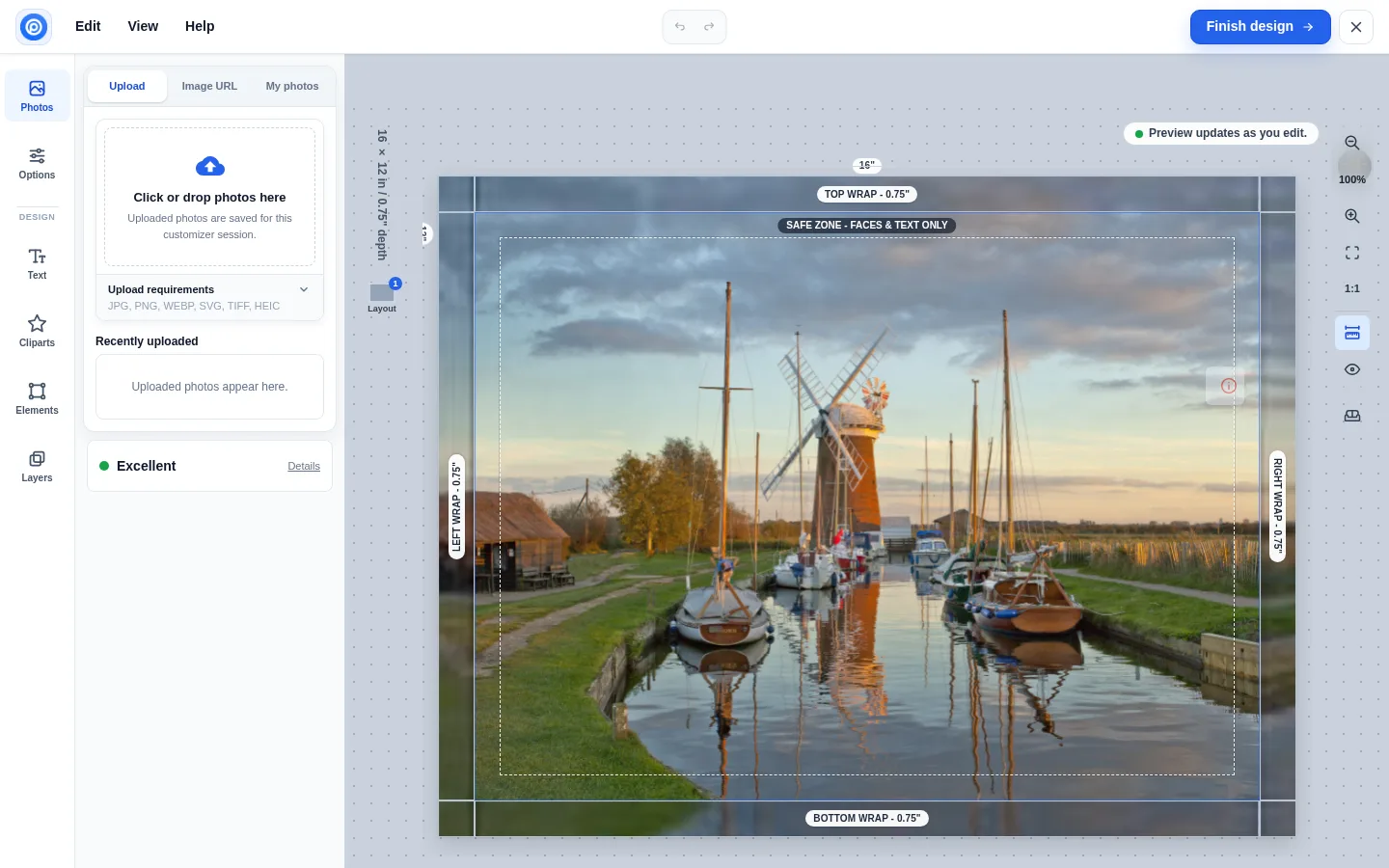
Your customer: Uploads a photo in the Printcart Canvas designer, with a print-quality check and 34 layouts.

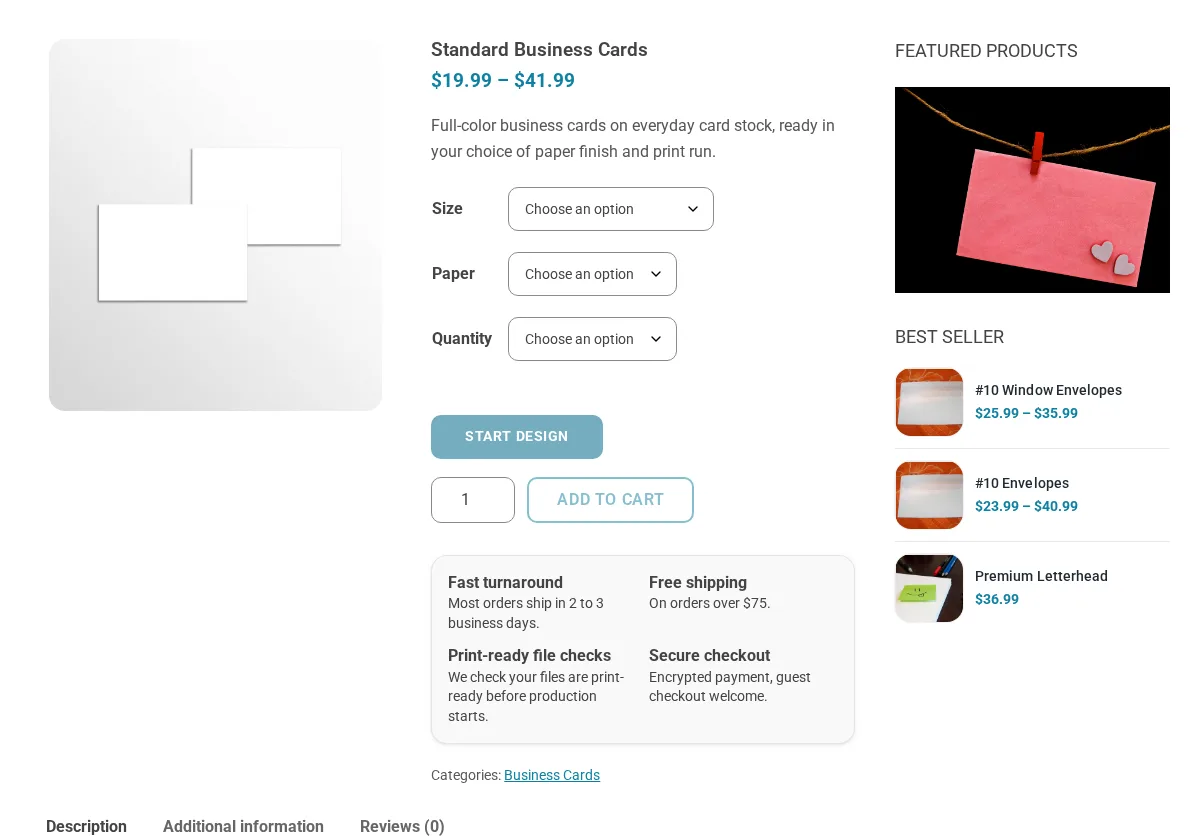
Your customer: Starts a design in the Printcart designer or uploads a finished card.

Screenshots
Screenshots of the Printcart demo stores. Demo products and prices are sample content.
Stores that include it
27 sample print products in 9 categories, priced by size, paper and quantity.

Five sample business cards with size, paper and quantity pricing and the Printcart designer.

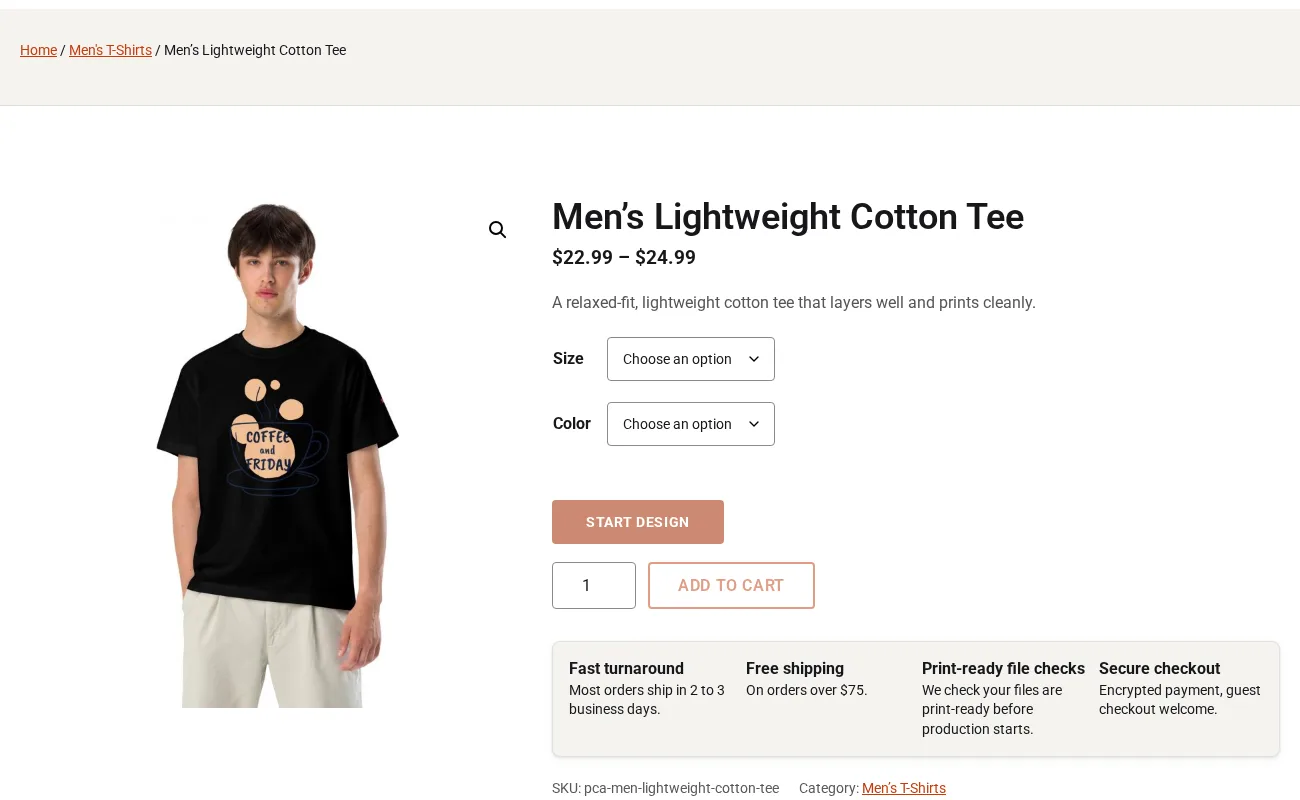
60 sample apparel products in 10 categories with size and colour variations.

Photo canvases priced by width and height, four edge styles and a wall preview.

In build
Company accounts, contract prices, B2B quotes and purchase orders on terms; in build.
Packages
What each full store package includes for this feature. Prices are per year; the Printcart licence is included.
| Feature | StoreUSD 799 / year | Store B2BUSD 1,814 / year | Store MarketplaceUSD 3,614 / year | EnterpriseBy quote |
|---|---|---|---|---|
| Order file downloadsCustomer uploads and personalised order files you download from your dashboard. | 500 a month | 5,000 a month | 5,000 a month | No limit |
| Your customers are never blockedCustomers can always buy, upload and request quotes; limits apply only to what you see and download in your dashboard. |
Learn more on www.printcart.com
FAQ
No. Customers can always buy, upload and request quotes; limits apply only to what you see and download in your dashboard. Order file downloads cover customer uploads and personalised order files: 500 a month on Store, 5,000 a month on Store B2B and Store Marketplace, and no limit on Enterprise.
Yes. On the product page they can start a design in the Printcart designer or upload their own file, then choose the paper and quantity. Each size, paper and quantity combination has its own price, set in WooCommerce, and the design or the uploaded file travels with the order to your team.
Yes. Customers upload a photo in the Printcart Canvas designer, with a print-quality check and 34 layouts. Every order line then gets a print-ready PDF with wrap and bleed, and orders sync to the Printcart dashboard, so your printer receives one print-ready file per canvas without anyone rebuilding the design by hand.
Works with
Customers design online or upload their own artwork from a "Start design" button.
How it worksImport your price lists and send customers a link to review their proof.
How it worksPrint-ready CMYK files are generated and stored for every order.
How it worksInsight
 Guides
JPG, PNG and GIF are raster formats mainly used for web display; JPG compresses with some quality loss, PNG keeps quality and supports transparency, and GIF supports simple animation. PSD is Photoshop's editable, layered format. EPS, PDF and AI are vector-based and built for print, since they can be resized without losing quality.
 Huy Nguyen (David)10 min read
 Guides
DPI (dots per inch) measures how many dots a printer places in one inch. More dots give a sharper print: 150 DPI or less looks blurred, 300 DPI is the usual standard for brochures, flyers and photos, and above 1,200 DPI the difference is invisible to the eye. A web-to-print designer can warn customers who upload low-resolution images.
Huy Nguyen (David)8 min read
 Guides
A print-ready file policy tells customers what a file needs before printing and tells your team what to check, fix or reject when it arrives. It covers file type, resolution at print size, bleed, safe area, colour mode and fonts. In a Printcart store, upload rules, preflight checks and declines with a reason carry the policy out.
Huy Nguyen (David)6 min read
 Guides
The minimum pixels for a print size are the print width and height in inches multiplied by the resolution the printer needs, usually 300 DPI. An A4 page needs 2,481 × 3,508 pixels at 300 DPI; a 4 × 6 inch photo needs 1,200 × 1,800. The table below gives 20 common sizes at 300 and 150 DPI.
Huy Nguyen (David)6 min read
 Comparisons
Templates suit print products with a repeatable layout, such as business cards, invitations and mugs; customer upload suits customers who bring a logo, a photo or a print-ready file; a blank canvas suits the few who want to create from scratch. Most Printcart stores offer two of the three on the same product page.
Huy Nguyen (David)5 min read
Talk to our CEO, Huy Nguyen (David), or the sales team. Every service comes with a written scope and quote.