

Migration & Switchingwoocommerceshopifywix
Migrate to Printcart from Customily, Zakeke, Teeinblue, Kickflip or a Custom Build
Moving from another product designer or a custom build? The Printcart team rebuilds your printing options, design zones and templates in Printcart and switches your products over in batches, so your store keeps selling while you move. It starts with a written assessment of what moves and what is rebuilt.
Updated · By Huy Nguyen (David), CEO of Printcart
From $299 · fixed price · about 5 to 7 business days
Written scope and price in your Helpdesk ticket. No payment now.
Delivered remotely · Worldwide

Moving from another product designer or a custom build? The Printcart team rebuilds your printing options, design zones and templates in Printcart and switches your products over in batches, so your store keeps selling while you move. It starts with a written assessment of what moves and what is rebuilt. Pricing starts at $299, confirmed in a written scope; typical timing is 5 to 7 business days.
Switching product designer should not mean starting over. This service moves your customizable products to Printcart: we map your current setup, rebuild it in Printcart, test it against your print specs and switch your products over in batches. It covers Customily, Zakeke, Teeinblue, Kickflip, legacy NBDesigner or Online Designer plugins and custom-built designers.
Customily, Zakeke, Teeinblue, Kickflip and other tool names are trademarks of their owners. Printcart is not affiliated with or endorsed by them.
Ways to work with us
Which path fits you
Full store package
A ready-built store, including the Printcart license, billed yearly.
Set up your projectWho this service is for
Store owners and print shops that already sell personalized products with another designer or a custom build and want to run on Printcart: Shopify, WooCommerce and Wix merchants, and teams maintaining an older plugin that is hard to update. If the other tool does something Printcart does not cover, the assessment says so and you can keep it for those products.
The problem it solves
The hard part of switching is not the new tool. It is the fear of losing templates, breaking prices or leaving products without a designer for days. Templates, fonts and option rules live inside the old tool, nobody remembers every setting, and a failed switch means lost orders. A scoped, batch-by-batch migration with a test step removes that risk.
What moves and what is rebuilt
| Item | What happens |
|---|---|
| Products, variants and categories | Stay in your store platform. We enable the Printcart designer on them. |
| Orders and customer accounts | Stay in your store platform. Before the old designer is turned off we help you keep the print files you still need from open orders. |
| Design templates | Rebuilt in Printcart from your original files. There is no one-click importer between these tools. |
| Fonts and clipart | Re-uploaded from your source files, if your font and image licences allow web use. |
| Printing options and price rules | Mapped to Printcart printing options and pricing. Close to the original, but may not match it exactly. |
| Storefront button | The old designer button is replaced by the Printcart button on your theme. |
| Special generators and unique custom features | Scoped separately as custom development, or left on the old tool. |
| Your subscription to the old tool | You cancel it yourself, after the Printcart setup is live and verified. |
What you get
Deliverables
- A written assessment of your current setup: what moves, what is rebuilt, what stays where it is
- Printcart connected to your store, tested on a copy of your setup before anything changes live
- Printing options and price rules rebuilt, including import by product category
- Design zones and templates rebuilt, starting with your best sellers
- The Printcart storefront button placed on your theme (Shopify app block, WooCommerce classic or block theme, Wix)
- A price and print check: sample print files compared with your print specs
- Go-live in batches, with the old designer turned off on each batch once you approve it
- A written handover note for your team
How it runs
Process & timeline
- 1
Assessment
You share your product list and screenshots of your current settings; we send a written assessment of what moves and what is rebuilt.
- 2
Test copy
We connect your store and set up Printcart on a test copy while your current designer stays live.
- 3
Rebuild
Printing options, pricing, design zones and templates, starting with your best sellers.
- 4
Check
Sample print files and prices are compared with your specs, and you review test orders.
- 5
Go
live – Products switch over in batches and the old designer is turned off on moved products.
- 6
Handover
A written note for your team and follow-up in your Helpdesk ticket.
Estimate, confirmed in your written scope.
Pricing
Packages
Assessment
Free
2 business days
A written plan before you commit to anything.
- Review of your products, templates and current options
- What moves, what is rebuilt, what stays
- Fixed scope and quote for the migration
Starter
from $299
5 to 7 business days
A small catalog moved with a clean test step.
- Up to 25 products
- Up to 5 templates rebuilt
- Printing options and pricing for those products
- Storefront button on one theme
Growth
from $799
10 to 14 business days
A mid-size catalog moved in batches.
- Up to 100 products
- Up to 20 templates rebuilt
- Printing options imported by product category
- Two go-live batches
Scale
Custom quote
Quoted after the assessment
Large catalogs, several stores or custom builds.
- 100+ products or several stores
- Custom-built designer replaced
- Special features scoped separately
Remote delivery
Work with Printcart from anywhere
Printcart is a brand of Netbase JSC. Every Printcart service, from full web-to-print stores and custom development to integration and ongoing support, is delivered remotely, so a merchant in any country and any industry can work with us. Netbase has worked with clients in 80+ countries. Contracts and payments are made with the company, Netbase JSC. Payment is by bank transfer to the company account or by PayPal. To discuss a project, contact our CEO, Huy Nguyen (David), on WhatsApp at https://wa.me/84937869689 or by email at sales@printcart.com.
What merchants say about working with Printcart
Amazing customer service and really versatile app that is helping our customers customize our products - and it's super easy to set-up!
Great products, fast loading, clean interface, user friendly and excellent customer support that is always there to address and resolve any customer's concern or problems. They are committed to constantly updating the app and making it better.
Best Customer Support Ever
I have not optimize my site yet and did not publish any products yet. But as for the ease of use in designing the product and managing store it just great. I had some questiosn about setup and looked for some suggestions to add to my store. Talked with two representatives and they were impressed me. I felt that they card and gave full attention even if i not a big seller.
Before we start
What we need from you
- The list of products to move, in priority order
- Collaborator or admin access to your store, or permission to work on a test copy
- Screenshots or exports of your current designer settings and price rules
- Original template, font and clipart files, and confirmation that your licences allow web use
- Your printer file specs: size, bleed, colour mode and file type
- Two or three sample orders to use as test cases
Real numbers, real proof
Why merchants trust Printcart
- 2012
- Operating since
- 500+
- Custom web-to-print projects
- 80+
- Countries served
- 300+
- Repeat clients
Netbase JSC, Hanoi
Netbase JSC
Netbase JSC clients
with 2+ projects
A Netbase JSC company · as of 2026-10-12
Clients
Client storefronts
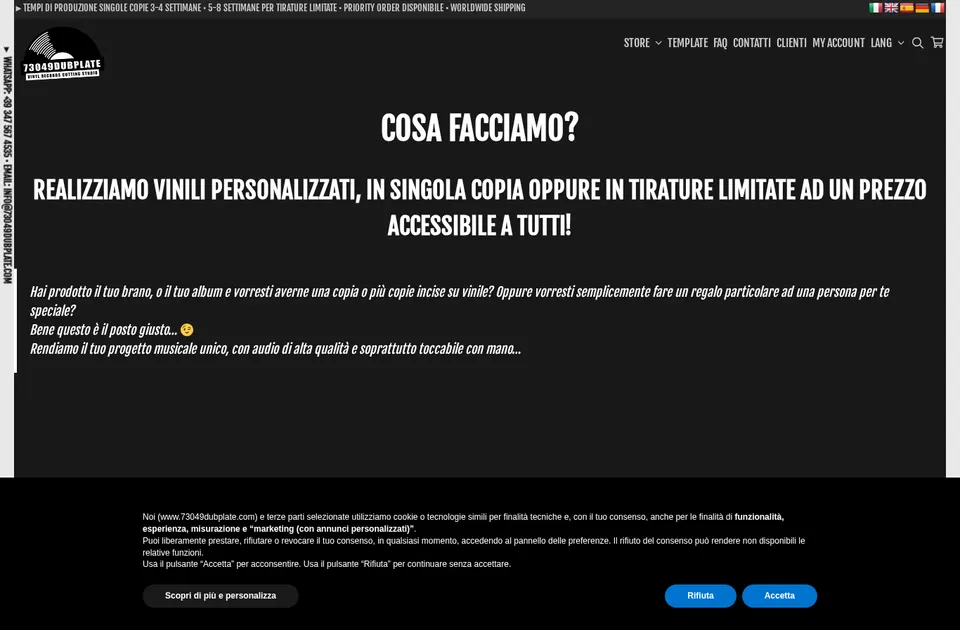
Client store
73049 Dubplate
73049dubplate.com
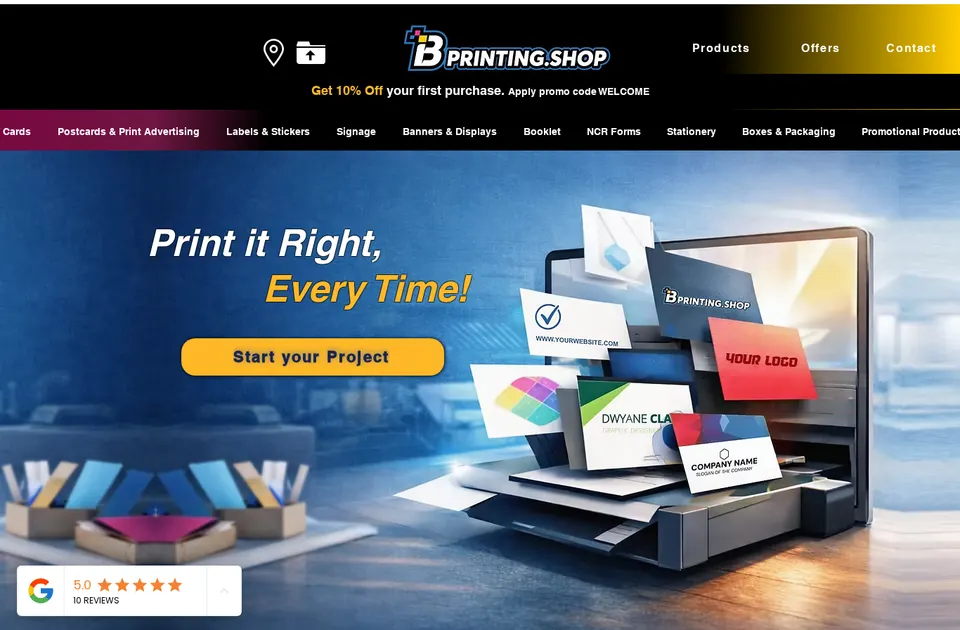
Client store
B Printing
bprinting.shop

Client store
Comunickare
comunickare.com


Team
The team behind your project
The roles you work with, how every project runs and the tools we build on.

Huy Nguyen (David)
CEO
Your first contact: agrees the scope, the package and the contract with Netbase JSC.
- Web-to-print
- Store set-up
- Customer success

Solutions Architect
Turns your store and print workflow into a technical plan: integrations, data and print-ready files.
- Web-to-print
- Integrations & API
- Data migration
- Print-ready PDF

Web-to-print Developer
Sets up the product designer, the print options and the pricing rules of your store.
- Web-to-print
- Product designer tool
- Pricing & options

Project Manager
Plans your milestones, coordinates set-up and launch, and answers your project tickets.
- Project management
- Store set-up
- Customer success


How every project runs
Step 1: Request
Start from a quote request or a package on the pricing page.
Step 2: Scoping
We review your products, workflow and store with you and agree the scope.
Step 3: Proposal & estimate
A written scope and price before work starts.
Step 4: Kick-off
Your project is opened in our project tool with a set-up milestone.
Step 5: Milestones
Build, review and launch, approved one phase at a time.
Step 6: Support & updates
Tickets and store updates after launch while your package is active.
The stack we deliver with
- WooCommerce
- WordPress
- Shopify
- Wix
- Laravel
- PHP
- AWS
- PayPal
Product names and logos belong to their owners and show the tools we work with, not partnerships.
Questions
FAQ
Can you import my templates automatically?
No. There is no one-click importer between these tools. We rebuild templates in Printcart from your original files.
Will I lose my orders or customers?
No. Orders and customers live in your store platform and we do not move them. We work on a copy first and switch products over in batches.
Can I run the old designer and Printcart side by side?
Yes, product by product while we move. Each product should use only one designer, so products switch in batches.
Will my product URLs change?
We do not recreate your products, so their URLs stay the same. We cannot promise search rankings.
Do you move print-on-demand fulfilment connections?
Fulfilment and supplier connections are scoped separately. The assessment lists what is needed.
Do I need to join a call?
No. Everything runs in your Printcart Helpdesk ticket: questions, files, approvals and the written handover.
Can you work with a merchant in my country?
Yes. Printcart services are delivered remotely, so we work with merchants in any country. Netbase JSC, the company behind Printcart, has worked with clients in 80+ countries.
Do you support my industry?
Printcart services are not tied to one industry. Full stores, custom development, integration and support are delivered remotely; tell us what you sell and we will say plainly whether Printcart fits.
How do I pay for Printcart services?
You sign the contract with and pay the company, Netbase JSC. Payment is by bank transfer to the company account or by PayPal.
Who do I talk to?
Talk to our CEO, Huy Nguyen (David), on WhatsApp at https://wa.me/84937869689 or by email at sales@printcart.com.
Terms
Terms summary
- Scope, price and timing are confirmed in writing in your ticket before work starts.
- Scope, price and timeline are confirmed in writing in your Helpdesk ticket before any work starts.
- Work outside the agreed scope is quoted separately.
- Timelines depend on how quickly you share access, files and approvals.
- All communication runs through your Printcart Helpdesk ticket. No calls are needed.
- We ask for the minimum access needed and work on a test copy where your platform allows it.
- Fees are not refundable.
Full terms
Terms for Printcart migration
Scope
- Scope, price and timeline are confirmed in writing in your Helpdesk ticket before any work starts.
- Work outside the agreed scope is quoted separately.
- Timelines depend on how quickly you share access, files and approvals.
Communication
- All communication runs through your Printcart Helpdesk ticket. No calls are needed.
Access and data
- We ask for the minimum access needed and work on a test copy where your platform allows it.
Quality
- Anything we configured that does not work as agreed is fixed free of charge within 30 days of handover.
Limits
- We do not promise pixel-identical templates or unchanged search rankings.
- Cancelling the old tool is your decision, after you have verified the Printcart setup.
Keep exploring
Related services

Migration
Migrate from Customily to Printcart
Moving from Customily? The Printcart team rebuilds your printing options, design zones and templates in Printcart and switches your product…
View service
Migration
Migrate from Fancy Product Designer to Printcart
Moving from Fancy Product Designer? The Printcart team rebuilds your printing options, design zones and templates in Printcart and switches…
View service
Migration
Migrate from Inkybay to Printcart
Moving from Inkybay? The Printcart team rebuilds your printing options, design zones and templates in Printcart and switches your products…
View service

From $299 · fixed price
Ready to get started?
Request a migration quote and we reply in your Helpdesk ticket with a written assessment, scope, price and timeline. Nothing starts until you approve it.
Get a custom quote
