

API & Automation Integration
Printcart API and Order Automation Integration
Are you tired of handling print orders manually and struggling with disconnected systems? Our Printcart API Integration Service helps you connect your store, designer tool, and order management into one seamless ecosystem. With automation in place, you’ll save time, reduce errors, and scale your print business effortlessly.
Updated · By Huy Nguyen (David), CEO of Printcart
From $499 · fixed price
Written scope and price in your Helpdesk ticket. No payment now.
Delivered remotely · Worldwide

Are you tired of handling print orders manually and struggling with disconnected systems? Our Printcart API Integration Service helps you connect your store, designer tool, and order management into one seamless ecosystem. With automation in place, you’ll save time, reduce errors, and scale your print business effortlessly. Pricing starts at $499, confirmed in a written scope.
Printcart API and Order Automation Integration helps developers, agencies, print operators, and technical ecommerce teams connect storefronts, product data, orders, artwork files, fulfillment status, and internal systems through Printcart API workflows. Printcart supports integration discovery, API flow mapping, webhook and payload planning, order and file handoff, status automation, connector or custom integration support, and QA for failure cases. Use this service when manual order movement, file transfer, or status updates are slowing the print workflow or creating avoidable errors. The engagement is cautious by design: it maps and supports automation around real systems, but it does not expose credentials, promise every edge case is automatic, or remove the need for monitoring, logging, and production review.
Ways to work with us
Which path fits you
Full store package
A ready-built store, including the Printcart license, billed yearly.
Set up your projectWho this service is for
This service is for technical teams that need Printcart to work with a broader commerce or production stack. That may include an agency building a storefront for a printer, a developer connecting a custom channel, a print operator moving orders into an internal system, or an ecommerce team that needs product, order, artwork, and fulfillment status data to move with less manual re-entry. It is also useful when a team has already attempted an integration but still lacks a clean payload model, webhook plan, or failure-handling process.
The automation problem it solves
Print workflows break when systems exchange incomplete or inconsistent data. A storefront may capture the sale but not send the artwork file correctly. A production tool may need SKU, variant, print side, personalization fields, and customer notes in a specific structure. A status update may be entered in one system but never reach the customer-facing order. Without a planned API workflow, staff may copy and paste order data, download files by hand, or chase status updates across tools. Printcart helps map the data path before the automation is treated as ready.
When to choose API support
Choose API support when standard setup is not enough for the workflow your business runs. Common reasons include multi-channel order intake, custom storefronts, internal order management systems, external fulfillment partners, automated file handoff, webhook-based status updates, or reporting needs that require structured data. If the team only needs basic product setup or product designer configuration, a setup service may be a better first step. If the team needs a reliable technical handoff between systems, API and order automation support is the better fit.
Workflow impact for technical teams
A clearer integration reduces manual re-entry and gives developers, support staff, and production operators a shared view of how order data should move. Developers can work from documented payload expectations instead of reverse-engineering each order. Operators can see which fields are required for fulfillment. Support teams can understand which system owns each status. Managers can plan monitoring and rollback before a live issue affects too many orders. Automation is most valuable when it is observable and reviewable, not when it hides workflow problems until customers ask for updates.
Client inputs needed
Prepare the current system diagram, API requirements, store or channel details, sample order payloads, product and variant rules, artwork file requirements, webhook expectations, fulfillment status model, test credentials handled through your secure process, and a technical owner who can answer integration questions. Do not put credentials, provider keys, customer data, or secret URLs into draft content or public CMS fields. Share sensitive access only through approved secure channels outside the content workflow.
How it runs
Process & timeline
- 1
Discovery
Review your current e-commerce platform, workflow, and printing needs.
- 2
Planning
Define required API endpoints, data flow, and custom features for your system.
- 3
Development
Connect Printcart API with your store and configure product/order automation.
- 4
Testing
Run end-to-end tests with sample products and real orders to ensure stability.
- 5
Delivery
Deploy the integration live and train your team on using the connected workflow.
Estimate, confirmed in your written scope.
Pricing
Packages
Custom quote
Confirmed after scoping
Everything in Fixed, plus anything outside the standard scope.
Get a custom quoteRemote delivery
Work with Printcart from anywhere
Printcart is a brand of Netbase JSC. Every Printcart service, from full web-to-print stores and custom development to integration and ongoing support, is delivered remotely, so a merchant in any country and any industry can work with us. Netbase has worked with clients in 80+ countries. Contracts and payments are made with the company, Netbase JSC. Payment is by bank transfer to the company account or by PayPal. To discuss a project, contact our CEO, Huy Nguyen (David), on WhatsApp at https://wa.me/84937869689 or by email at sales@printcart.com.
What merchants say about working with Printcart
Amazing customer service and really versatile app that is helping our customers customize our products - and it's super easy to set-up!
Great products, fast loading, clean interface, user friendly and excellent customer support that is always there to address and resolve any customer's concern or problems. They are committed to constantly updating the app and making it better.
Best Customer Support Ever
I have not optimize my site yet and did not publish any products yet. But as for the ease of use in designing the product and managing store it just great. I had some questiosn about setup and looked for some suggestions to add to my store. Talked with two representatives and they were impressed me. I felt that they card and gave full attention even if i not a big seller.
Real numbers, real proof
Why merchants trust Printcart
- 2012
- Operating since
- 500+
- Custom web-to-print projects
- 80+
- Countries served
- 300+
- Repeat clients
Netbase JSC, Hanoi
Netbase JSC
Netbase JSC clients
with 2+ projects
A Netbase JSC company · as of 2026-10-12
Clients
Client storefronts
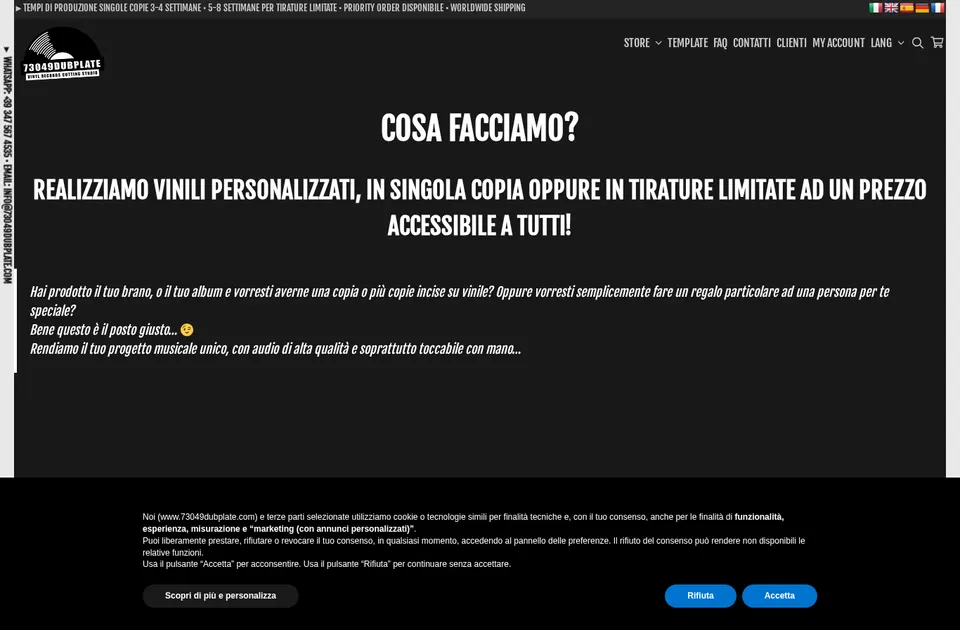
Client store
73049 Dubplate
73049dubplate.com
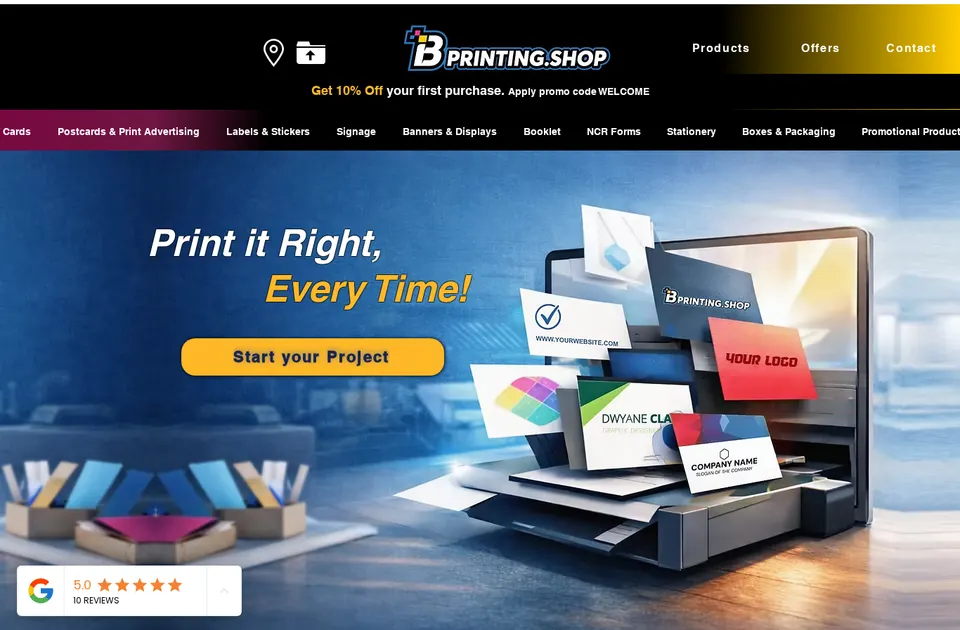
Client store
B Printing
bprinting.shop

Client store
Comunickare
comunickare.com


Team
The team behind your project
The roles you work with, how every project runs and the tools we build on.

Huy Nguyen (David)
CEO
Your first contact: agrees the scope, the package and the contract with Netbase JSC.
- Web-to-print
- Store set-up
- Customer success

Solutions Architect
Turns your store and print workflow into a technical plan: integrations, data and print-ready files.
- Web-to-print
- Integrations & API
- Data migration
- Print-ready PDF

Web-to-print Developer
Sets up the product designer, the print options and the pricing rules of your store.
- Web-to-print
- Product designer tool
- Pricing & options

Project Manager
Plans your milestones, coordinates set-up and launch, and answers your project tickets.
- Project management
- Store set-up
- Customer success


How every project runs
Step 1: Request
Start from a quote request or a package on the pricing page.
Step 2: Scoping
We review your products, workflow and store with you and agree the scope.
Step 3: Proposal & estimate
A written scope and price before work starts.
Step 4: Kick-off
Your project is opened in our project tool with a set-up milestone.
Step 5: Milestones
Build, review and launch, approved one phase at a time.
Step 6: Support & updates
Tickets and store updates after launch while your package is active.
The stack we deliver with
- WooCommerce
- WordPress
- Shopify
- Wix
- Laravel
- PHP
- AWS
- PayPal
Product names and logos belong to their owners and show the tools we work with, not partnerships.
Questions
FAQ
Can Printcart build a custom integration for every system?
The service starts with discovery and workflow mapping. Connector or custom integration support depends on the systems involved, API access, project scope, and the technical owner available on the client side.
Will automation remove all manual checks?
No. Order automation can reduce repetitive handoff work, but print orders may still need review for artwork quality, unusual customization, payment or shipping exceptions, and production constraints.
What should developers provide first?
Provide a system diagram, sample order payloads, required fields, file handoff rules, expected statuses, webhook needs, and known failure cases. Those examples make the integration discussion concrete.
How are secrets handled?
Secrets should not be placed in CMS content, draft payloads, tickets, or public documentation. Credentials and tokens should move only through the client's approved secure process.
Can you work with a merchant in my country?
Yes. Printcart services are delivered remotely, so we work with merchants in any country. Netbase JSC, the company behind Printcart, has worked with clients in 80+ countries.
Do you support my industry?
Printcart services are not tied to one industry. Full stores, custom development, integration and support are delivered remotely; tell us what you sell and we will say plainly whether Printcart fits.
How do I pay for Printcart services?
You sign the contract with and pay the company, Netbase JSC. Payment is by bank transfer to the company account or by PayPal.
Who do I talk to?
Talk to our CEO, Huy Nguyen (David), on WhatsApp at https://wa.me/84937869689 or by email at sales@printcart.com.
Terms
Terms summary
- Scope, price and timing are confirmed in writing in your ticket before work starts.
- Credit/Debit Cards (Visa, MasterCard, American Express)
- PayPal
- Bank Transfer
- Providing access to your e-commerce store, hosting, or server environment.
- Supplying accurate product and workflow requirements during the Discovery phase.
- Fees are not refundable.
Full terms
Scope of Work – Printcart API Integration
We will integrate Printcart’s REST API into your printshop system to enable automated product, design, and order workflows. Scope includes platform connection (e.g., Shopify, WooCommerce, Wix, Magento, or custom), setup of print-ready file handling, and testing to ensure a seamless integration.
Delivery Timeline & Milestones
Project delivery typically follows a 5-step process (Discovery, Planning, Development, Testing, Delivery). Timelines may vary depending on the platform and level of customization. Specific milestones will be agreed upon before development begins.
Communication & Support
All project communication will be managed via the Printcart Dashboard & Ticket System. Clients can also reach us via email or WhatsApp for urgent matters. Support is included for the first period of your package (30–90 days depending on tier), with renewal available every 6 months.
Ecommerce Payment Terms
Payments are due before project commencement. We accept:
- Credit/Debit Cards (Visa, MasterCard, American Express)
- PayPal
- Bank Transfer
Custom development beyond the agreed scope may require additional fees.
Warranty & Bug Fixes
We provide a 30-day warranty from delivery to address any bugs or technical issues directly related to the integration. Fixes will be prioritized and resolved within reasonable timeframes. Warranty does not cover issues caused by third-party updates or client-side changes outside the scope.
Custom Development & Updates
If you request custom API features or platform-specific extensions, these will be scoped and quoted separately. Ongoing compatibility updates with new Printcart API versions or third-party platforms are available under the annual support plan (10% of package fee).
Client Responsibilities
You are responsible for:
- Providing access to your e-commerce store, hosting, or server environment.
- Supplying accurate product and workflow requirements during the Discovery phase.
- Testing the integration in your environment and reporting issues promptly.
Third-Party Licenses
Integration may rely on third-party platforms (e.g., Shopify, Wix, Etsy, Amazon). You are responsible for maintaining valid licenses, API keys, and subscriptions for these platforms. Printcart is not liable for service interruptions caused by third-party providers.
Change Requests & Scope Adjustments
Any request beyond the agreed scope (e.g., additional platforms, new workflows, custom dashboards) will be treated as a Change Request. We will provide a separate quotation and revised timeline for approval before proceeding.
Keep exploring
Related services

Integration
Fulfillment Workflow Integration Service
Stop wasting time on manual processes. With Printcart’s automated fulfillment integration, your orders flow seamlessly from your ecommerce…
View service
Integration
POD Provider and Fulfillment Connector
Orders, print files and tracking flowing between your store and your POD or fulfilment provider, built and tested for your setup.
View service
Integration
Canvas Print Fulfillment API Connector
Send canvas orders from your store to a print-on-demand lab or API partner automatically, with tracking back to the customer.
View service

From $499 · fixed price
Ready to get started?
Request an API and order automation integration consult when your team needs a clearer technical plan for orders, artwork files, webhooks, fulfillment status, and failure handling across Printcart and connected systems.
Get a custom quote
