

Canvas Serviceswoocommerce
Canvas Print File and Production Automation
Canvas orders and print-ready files delivered to your production target automatically, named and checked to your printer specs.
Updated · By Huy Nguyen (David), CEO of Printcart
From $1,500 · fixed price · about Estimated after discovery
Written scope and price in your Helpdesk ticket. No payment now.
Delivered remotely · Worldwide

Canvas orders and print-ready files delivered to your production target automatically, named and checked to your printer specs. Pricing starts at $1,500, confirmed in a written scope; typical timing is Estimated after discovery.
We send paid canvas orders and print-ready files to your production system automatically, checked to your printer specs, with status back to your store.
Ways to work with us
Which path fits you
Full store package
A ready-built store, including the Printcart license, billed yearly.
Set up your projectWho this service is for
Canvas printers and labs that download PDFs by hand, re-type size, depth and wrap into their production system, or need files in a different format, colour profile or folder structure.
The problem it solves
Print shops describe the same costly loop: a low-resolution or wrong-size file is accepted at checkout and found hours later at prepress, and files arrive without the bleed or wrap the printer needs. Printcart Canvas records size, frame depth, edge style, layout and design file on every order line and creates a print-ready PDF with trim, bleed and cut lines. Many printers still need that file in their own format, profile and folder, and the order data in their own system.
How it works
- Discovery. We study your workflow, printer specs and the file format your production expects.
- Data map. You approve the field, file-naming and colour-profile map.
- Build. The delivery and file rules are built on a test copy.
- Test. Real sample orders are sent through and the files are checked.
- Go live. The integration is switched on at a time you choose.
- Handover. You receive the runbook and alert contacts.
Estimated time: Two to six weeks, confirmed after discovery. This is an estimate based on scope; the written scope confirms it.
Where this service fits
You can get Printcart Canvas in three ways. This service works with any of them that applies.
- The plugin on your own WooCommerce store. Install Printcart Canvas and choose a Printcart plan. See the Printcart Canvas plugin page and plans and pricing.
- A complete Canvas store. Printcart Canvas Store is a ready-made WordPress and WooCommerce store with the plugin included, sold as an annual package on this site. See the full store packages.
- A custom service (this page). We configure, build or connect what the first two do not cover, quoted per project.
Services are quoted separately from plans and store packages, and each is billed on its own. On a Canvas Store package, order PDFs can be downloaded from the order screens; this service automates the hand-off to your printer. On the plugin path it works the same way.
What you get
Deliverables
- A written data map: which order fields go to which fields in your production system
- Automatic delivery of the print-ready file and order details to one target (email, shared folder, SFTP or webhook, as agreed)
- Built for you: file rules for your printer, such as naming, folder structure, wrap size and file format
- Built for you: a colour-profile step for the output profile your printer supplies, with a sample proof checked
- Built for you: re-check of photo quality at the final size before the file is released to production
- Status back to your store for the stages you choose, failure alerts and a retry path
- Tests with real sample orders on your sizes and edge styles, and a written runbook
How it runs
Process & timeline
- 1
Discovery
We study your workflow, printer specs and the file format your production expects.
- 2
Data map
You approve the field, file-naming and colour-profile map.
- 3
Build
The delivery and file rules are built on a test copy.
- 4
Test
Real sample orders are sent through and the files are checked.
- 5
Go live
The integration is switched on at a time you choose.
- 6
Handover
You receive the runbook and alert contacts.
Estimate, confirmed in your written scope.
Pricing
Packages
Fixed
from $1,500
Estimated after discovery
One delivery target, one direction, one file rule set.
- Data map
- Print-ready file and order details to one target
- Printer file rules and colour step
- Failure alerts, test orders and runbook
Custom quote
Custom quote
Quoted after discovery
Several targets, two-way sync, a system with its own API or a custom file format.
- Two-way status
- Several targets or printers
- Fixed price once scoped
Remote delivery
Work with Printcart from anywhere
Printcart is a brand of Netbase JSC. Every Printcart service, from full web-to-print stores and custom development to integration and ongoing support, is delivered remotely, so a merchant in any country and any industry can work with us. Netbase has worked with clients in 80+ countries. Contracts and payments are made with the company, Netbase JSC. Payment is by bank transfer to the company account or by PayPal. To discuss a project, contact our CEO, Huy Nguyen (David), on WhatsApp at https://wa.me/84937869689 or by email at sales@printcart.com.
What merchants say about working with Printcart
Amazing customer service and really versatile app that is helping our customers customize our products - and it's super easy to set-up!
Great products, fast loading, clean interface, user friendly and excellent customer support that is always there to address and resolve any customer's concern or problems. They are committed to constantly updating the app and making it better.
Best Customer Support Ever
I have not optimize my site yet and did not publish any products yet. But as for the ease of use in designing the product and managing store it just great. I had some questiosn about setup and looked for some suggestions to add to my store. Talked with two representatives and they were impressed me. I felt that they card and gave full attention even if i not a big seller.
Before we start
What we need from you
- A description of your production workflow and a contact on that side
- Your printer file specs and, if you use one, the colour profile for the output device
- Access to the target system, shared safely, never by email or chat
- Sample files in the format your printer expects
- WordPress administrator access and a Printcart plan that includes the integration access the scope needs
Scope
Not included
- Buying, installing or configuring your production software or printers
- Several production targets or two-way ERP sync in the Fixed package (quoted)
- Colour calibration of your printers or papers
- Shopify or Wix stores in the Fixed package
Real numbers, real proof
Why merchants trust Printcart
- 2012
- Operating since
- 500+
- Custom web-to-print projects
- 80+
- Countries served
- 300+
- Repeat clients
Netbase JSC, Hanoi
Netbase JSC
Netbase JSC clients
with 2+ projects
A Netbase JSC company · as of 2026-10-12
Clients
Client storefronts
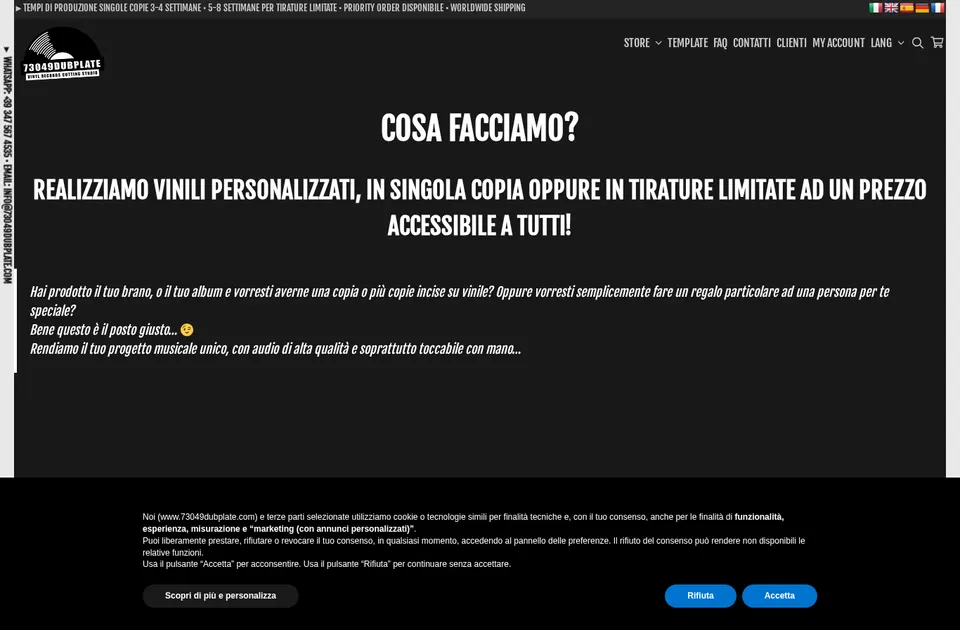
Client store
73049 Dubplate
73049dubplate.com
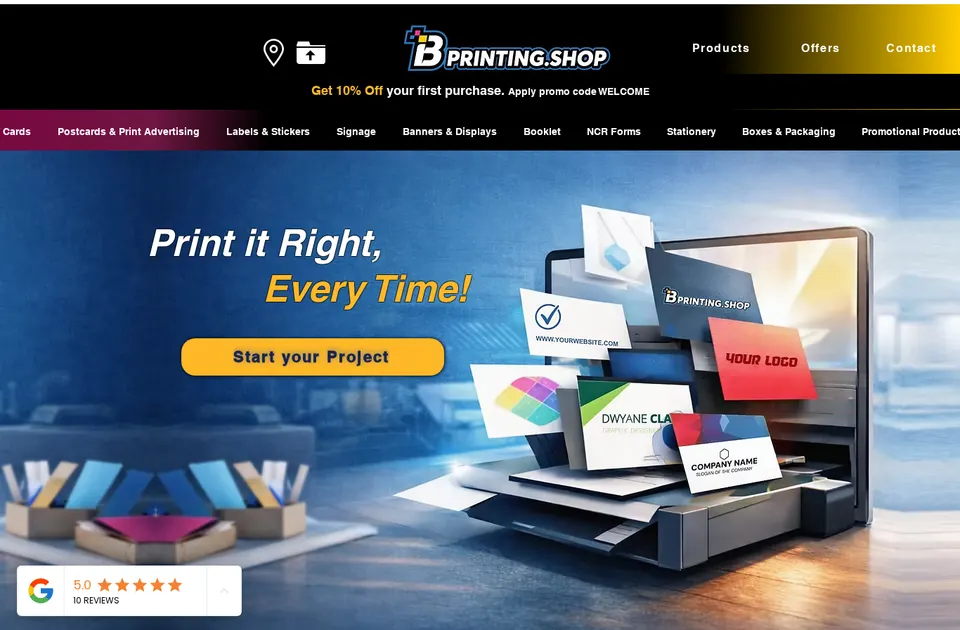
Client store
B Printing
bprinting.shop

Client store
Comunickare
comunickare.com


Team
The team behind your project
The roles you work with, how every project runs and the tools we build on.

Huy Nguyen (David)
CEO
Your first contact: agrees the scope, the package and the contract with Netbase JSC.
- Web-to-print
- Store set-up
- Customer success

Solutions Architect
Turns your store and print workflow into a technical plan: integrations, data and print-ready files.
- Web-to-print
- Integrations & API
- Data migration
- Print-ready PDF

Web-to-print Developer
Sets up the product designer, the print options and the pricing rules of your store.
- Web-to-print
- Product designer tool
- Pricing & options

Project Manager
Plans your milestones, coordinates set-up and launch, and answers your project tickets.
- Project management
- Store set-up
- Customer success


How every project runs
Step 1: Request
Start from a quote request or a package on the pricing page.
Step 2: Scoping
We review your products, workflow and store with you and agree the scope.
Step 3: Proposal & estimate
A written scope and price before work starts.
Step 4: Kick-off
Your project is opened in our project tool with a set-up milestone.
Step 5: Milestones
Build, review and launch, approved one phase at a time.
Step 6: Support & updates
Tickets and store updates after launch while your package is active.
The stack we deliver with
- WooCommerce
- WordPress
- Shopify
- Wix
- Laravel
- PHP
- AWS
- PayPal
Product names and logos belong to their owners and show the tools we work with, not partnerships.
Questions
FAQ
What should a print-ready canvas file include?
The artwork at the final size, bleed for the wrap, the trim and fold areas and a resolution your printer accepts. Printcart Canvas builds a print-ready PDF per order line with trim, bleed and cut lines; this service adapts it to your printer.
Does the plugin already send orders to production?
Paid orders are sent to Printcart with their design file, and the print-ready PDF can be downloaded for each order line. This service sends it on to your own production system.
Can you convert files to our printer colour profile?
Yes, as a built-for-you step when you give us the output profile. We check a sample proof before go-live. Colour on screen cannot match a print exactly, so a test print is part of the plan.
What happens if a delivery fails?
You get an alert and the order can be retried. The runbook explains who does what.
Does this need a paid Printcart plan?
Integration access depends on your Printcart plan. The written scope names the plan before work starts.
Can you work with a merchant in my country?
Yes. Printcart services are delivered remotely, so we work with merchants in any country. Netbase JSC, the company behind Printcart, has worked with clients in 80+ countries.
Do you support my industry?
Printcart services are not tied to one industry. Full stores, custom development, integration and support are delivered remotely; tell us what you sell and we will say plainly whether Printcart fits.
How do I pay for Printcart services?
You sign the contract with and pay the company, Netbase JSC. Payment is by bank transfer to the company account or by PayPal.
Who do I talk to?
Talk to our CEO, Huy Nguyen (David), on WhatsApp at https://wa.me/84937869689 or by email at sales@printcart.com.
Terms
Terms summary
- Scope, price and timing are confirmed in writing in your ticket before work starts.
- Scope, deliverables, price and timeline are confirmed in writing in your Helpdesk ticket before any work starts.
- Work outside the agreed scope is quoted separately and starts only after you approve it.
- Timelines depend on how quickly you share access, files and approvals.
- Fixed-price work is invoiced as agreed in the written scope, typically a deposit to start and the balance at handover.
- Custom quotes are invoiced by milestone as set out in the written scope.
- Fees are not refundable.
Full terms
Terms for Canvas Print File and Production Automation
Scope
- Scope, deliverables, price and timeline are confirmed in writing in your Helpdesk ticket before any work starts.
- Work outside the agreed scope is quoted separately and starts only after you approve it.
- Timelines depend on how quickly you share access, files and approvals.
Payment
- Fixed-price work is invoiced as agreed in the written scope, typically a deposit to start and the balance at handover.
- Custom quotes are invoiced by milestone as set out in the written scope.
- Printcart plan fees and store package fees are billed separately from services.
Warranty
- Anything we configured or built that does not work as agreed is fixed free of charge within 30 days of handover.
- The warranty does not cover changes made by others after handover, third-party plugin or theme updates, or hosting problems.
Access and data security
- We ask for the minimum access needed, through your platform collaborator or staff accounts, and work on a test copy where your platform allows it.
- Never send passwords in chat or email. Access is removed at handover.
- We use your files and data only for your project.
Ownership
- You keep ownership of the products, artwork, fonts, images and content you supply, and of the templates and configuration built for your store.
- Printcart keeps ownership of its platform, designer, tools and reusable components. Custom code written only for you is delivered for use in your store, as stated in the written scope.
Cancellation
- You can cancel before work starts at no charge.
- After work starts, you pay for the work completed to that point, as itemised in the written scope.
- Fees are not refundable.
Limits
- We connect to systems you own and operate. We do not guarantee the behaviour of third-party software or exact colour match.
- Product and company names are trademarks of their owners and are used only to describe the source you are moving from. Printcart is not affiliated with them.
Keep exploring
Related services

Integration
Fulfillment Workflow Integration Service
Stop wasting time on manual processes. With Printcart’s automated fulfillment integration, your orders flow seamlessly from your ecommerce…
View service
Integration
POD Provider and Fulfillment Connector
Orders, print files and tracking flowing between your store and your POD or fulfilment provider, built and tested for your setup.
View service
Integration
Canvas Print Fulfillment API Connector
Send canvas orders from your store to a print-on-demand lab or API partner automatically, with tracking back to the customer.
View service

From $1,500 · fixed price
Ready to get started?
Request a quote and we reply in your Helpdesk ticket with a written scope, price and timeline. Nothing starts until you approve it in writing.
Get a custom quote
